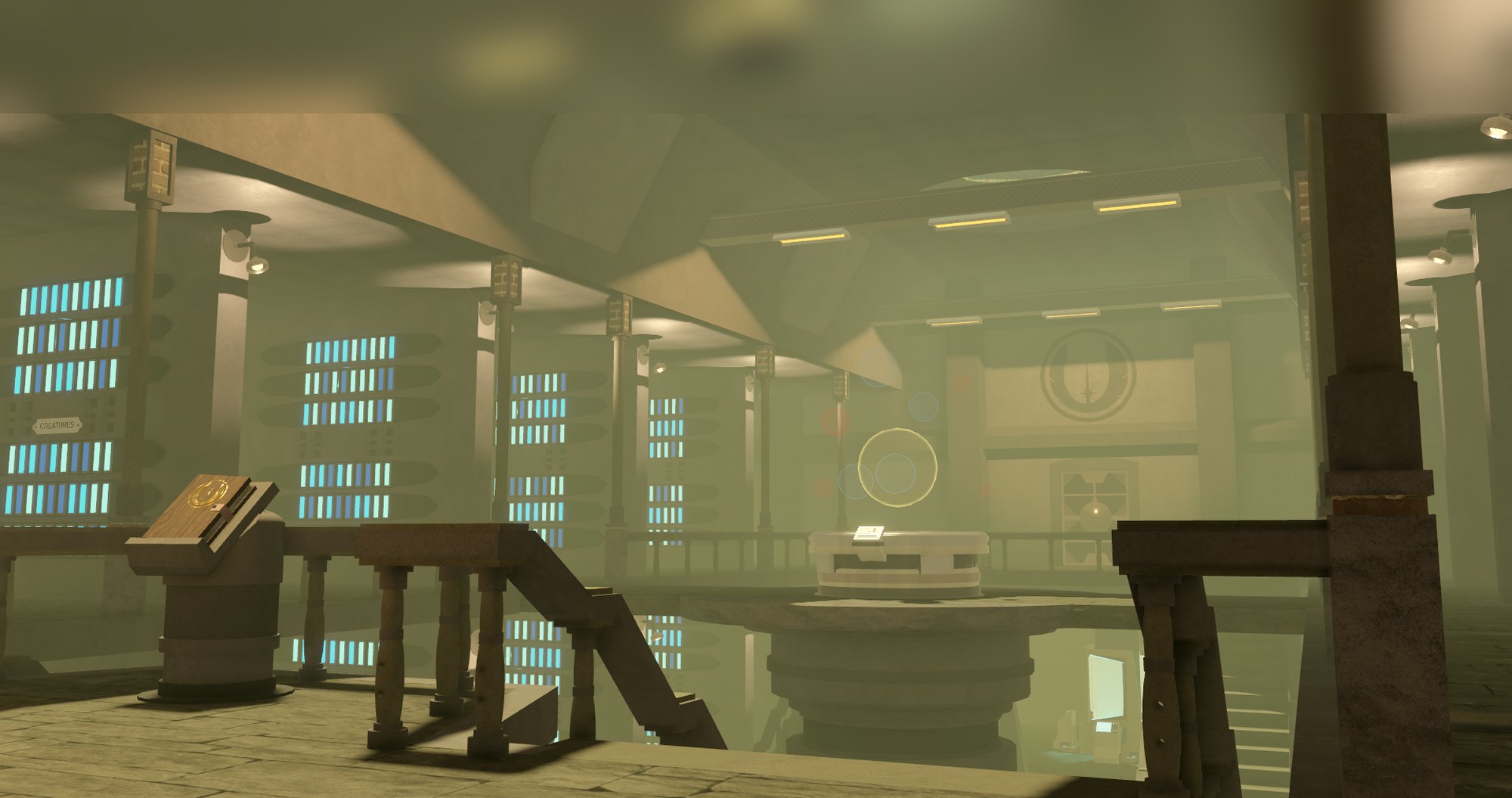
Getting started
You pick a weapon and a form in the lobby, deploy, and fight whoever is on the map. There are no rounds and no teams: you spawn, you fight, and your credits carry over. The map rotates every 10 minutes.
The lobby bar
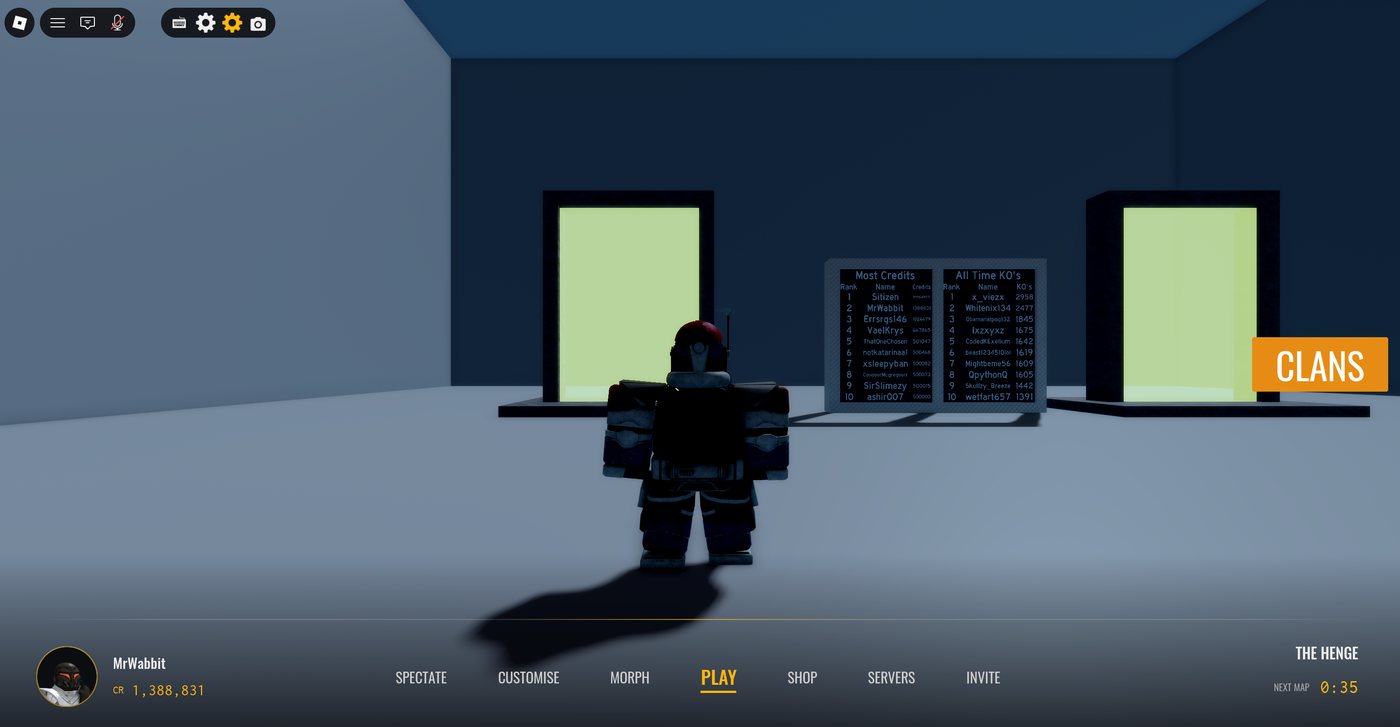
Invite opens the Roblox invite prompt. The bar also carries your credit balance and a timer counting down to the next map.
Customise
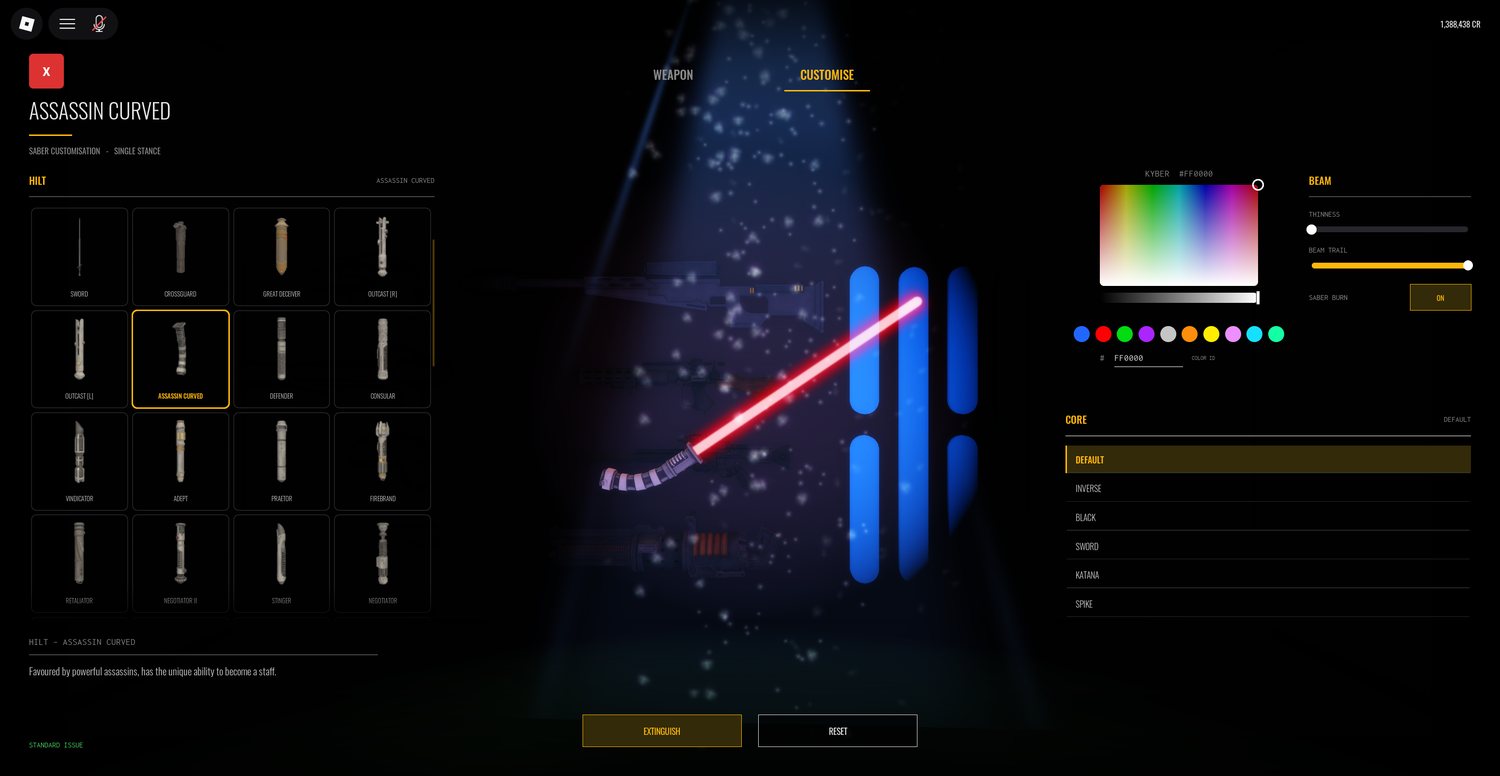
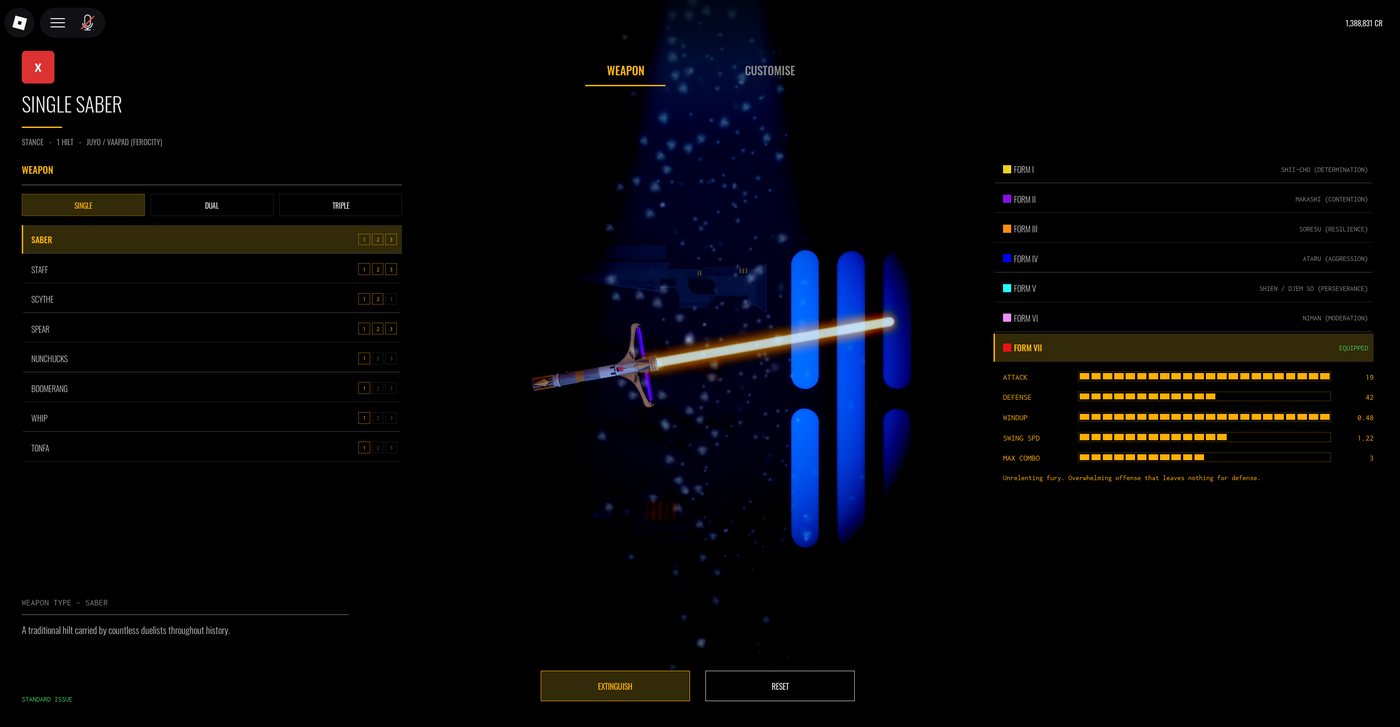
Weapon type, which of the seven forms you fight in, how many you wield, and which hilt and blade core you carry. Everything here is covered in weapons and hilts.
Morph
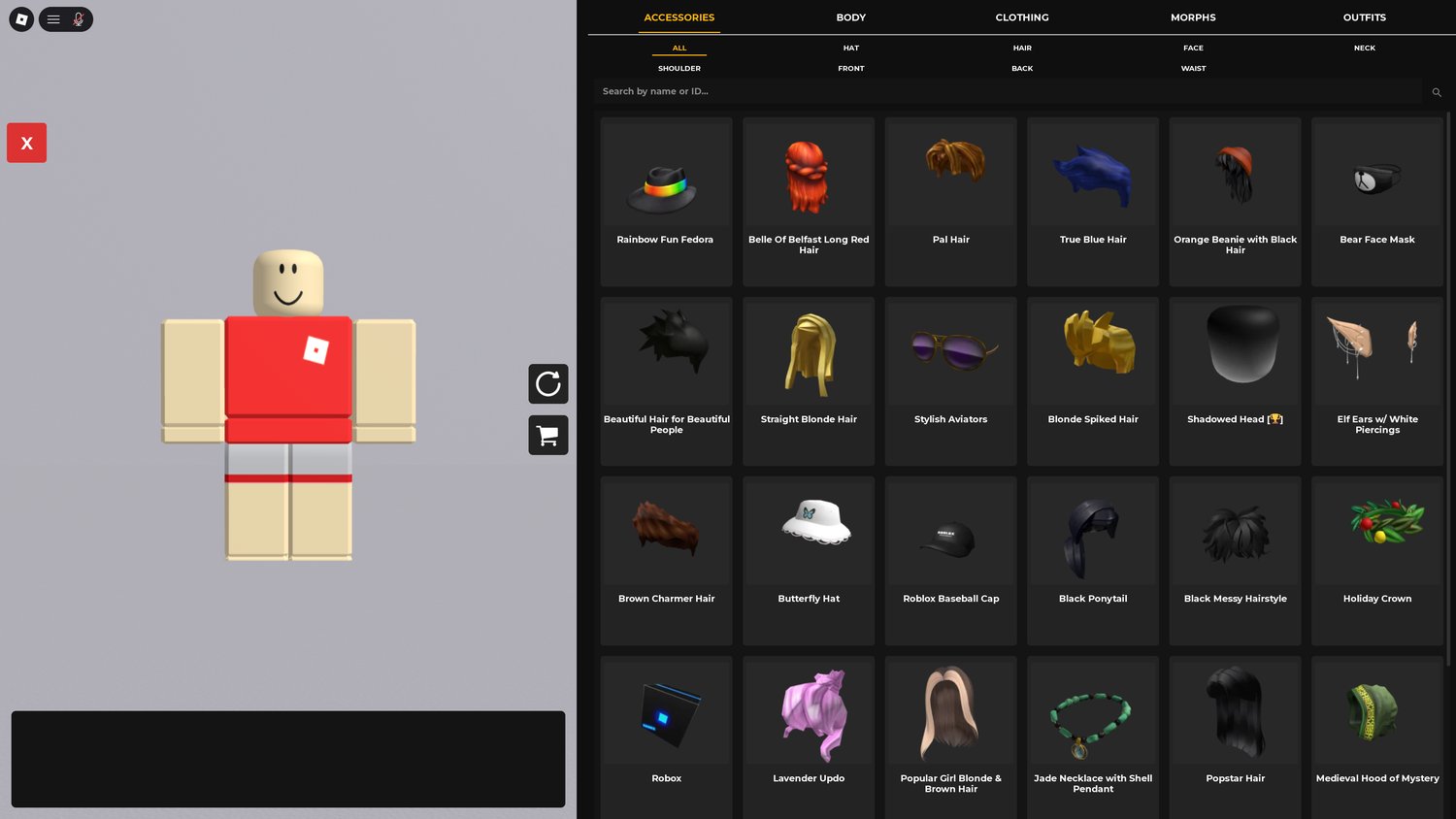
Five tabs. Accessories filters by slot — hat, hair, face, neck, shoulder, front, back, waist — and searches the catalogue by name or ID. Body and Clothing do the same for skin tone, scale, shirts and trousers.
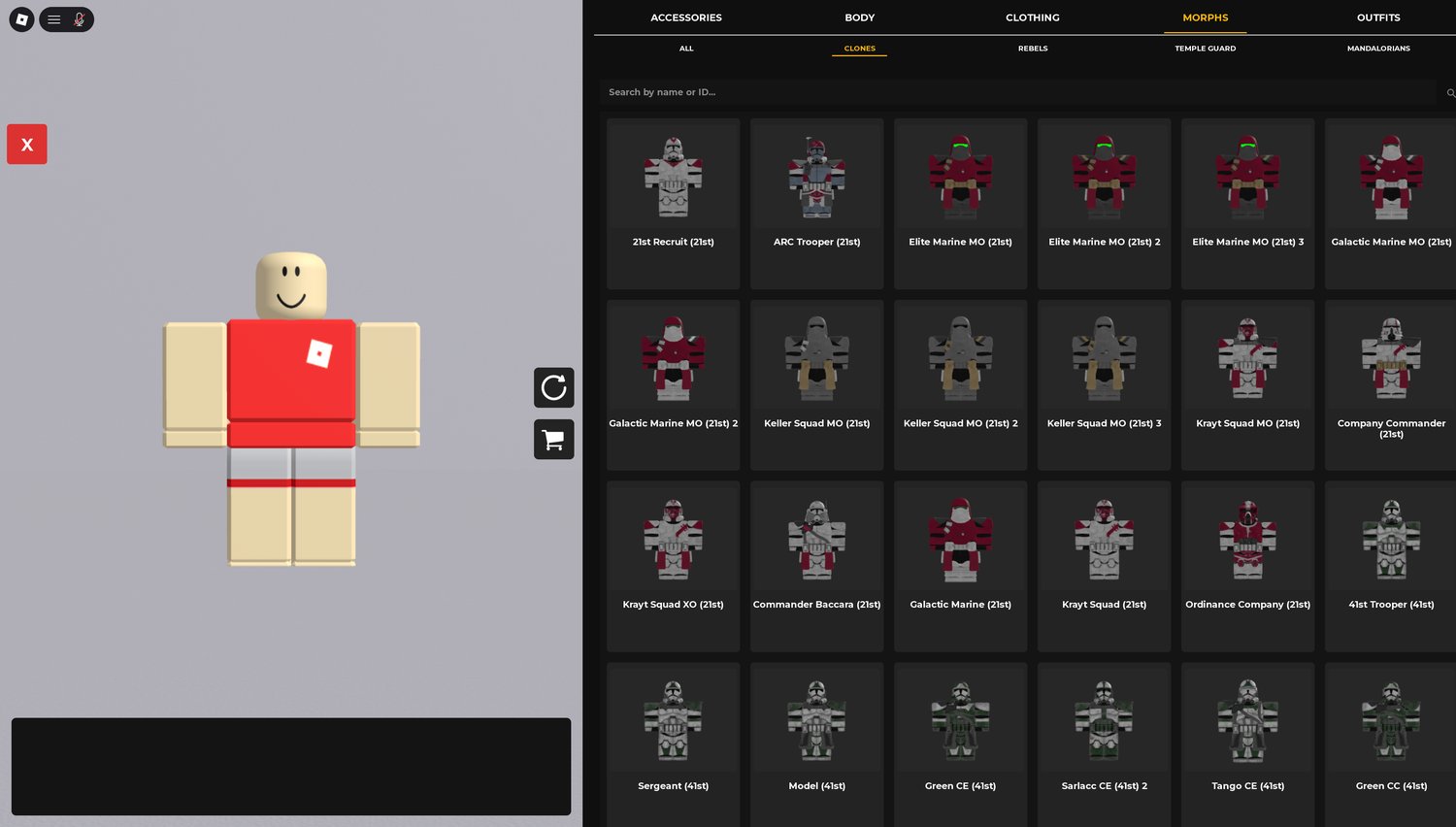
Morphs are full costumes grouped by faction: clones, rebels, temple guard and mandalorians. Picking one replaces your whole outfit.
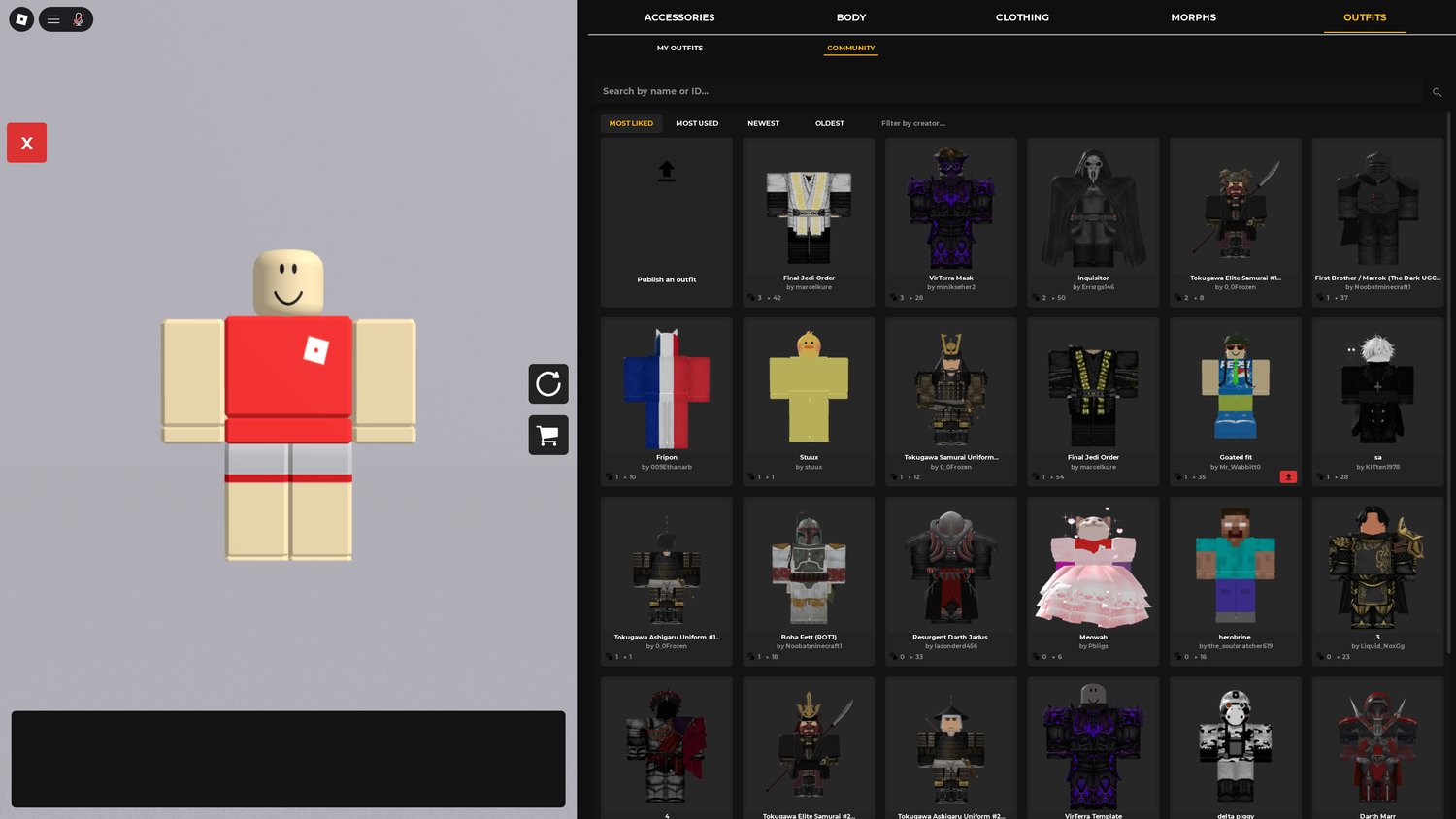
Outfits saves what you are wearing so you can switch between looks. The community tab is every outfit players have published — sort by most liked, most used, newest or oldest, or filter by creator. You can publish your own from the same screen.
Servers
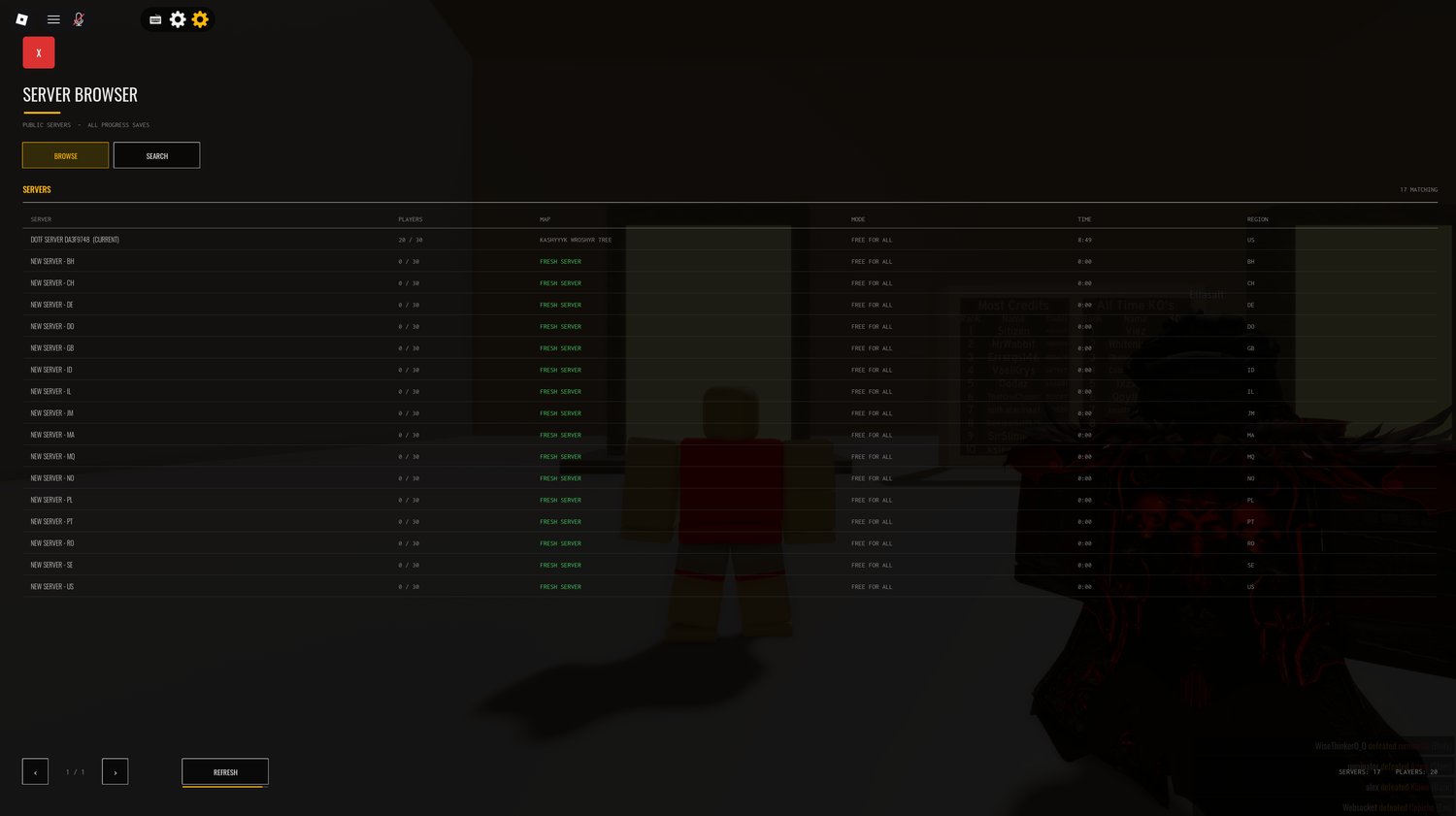
Players, map, mode, time remaining and region for every public server. Your current server is marked. Empty regional servers are listed as fresh, so you can start one close to you instead of joining a full one across the world. Progress saves across all of them.
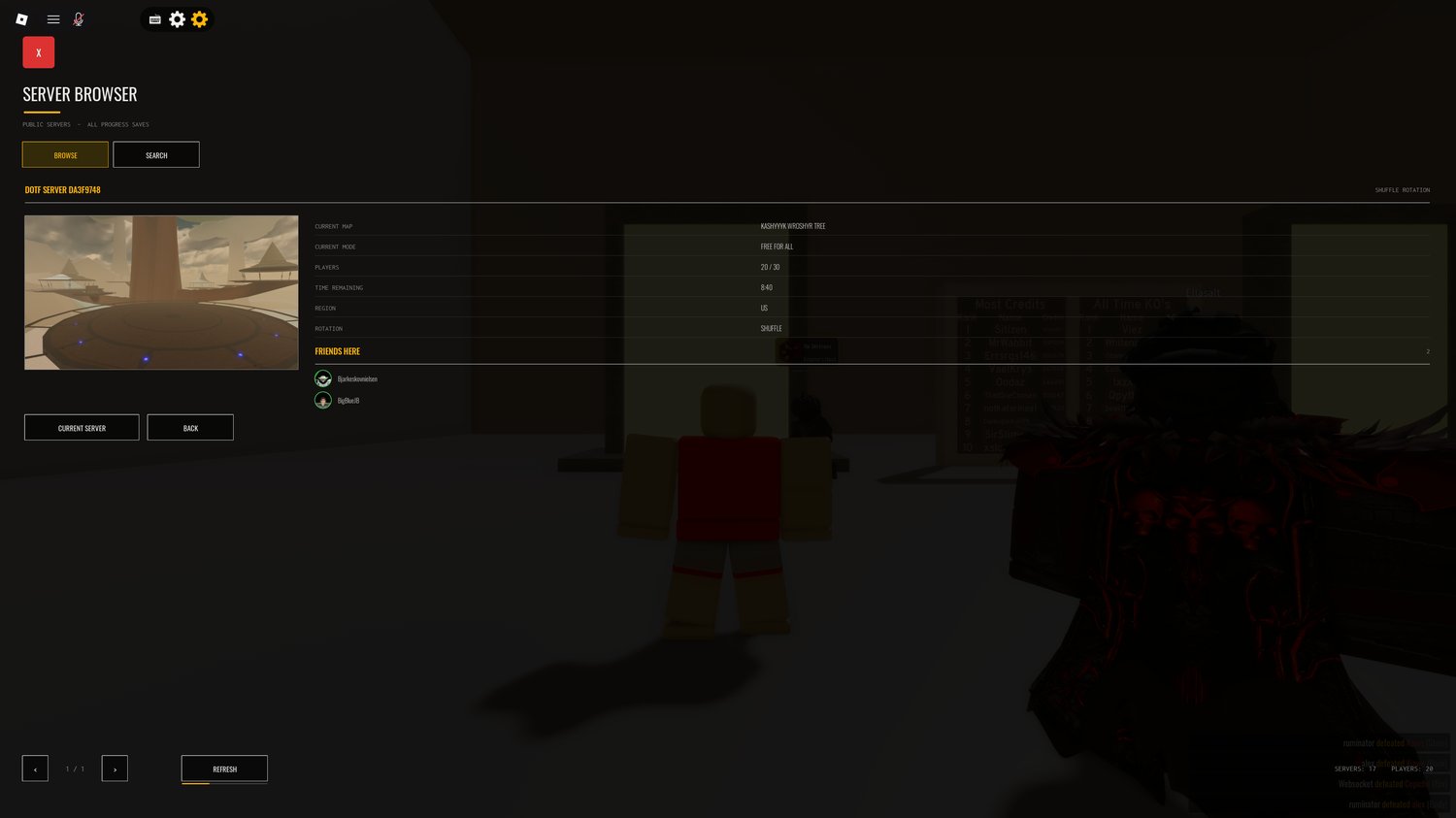
Open a server and it shows what it is running now, how long is left on the map, and which of your friends are in it — which is the fast way to land in the same game as someone.
Spectate
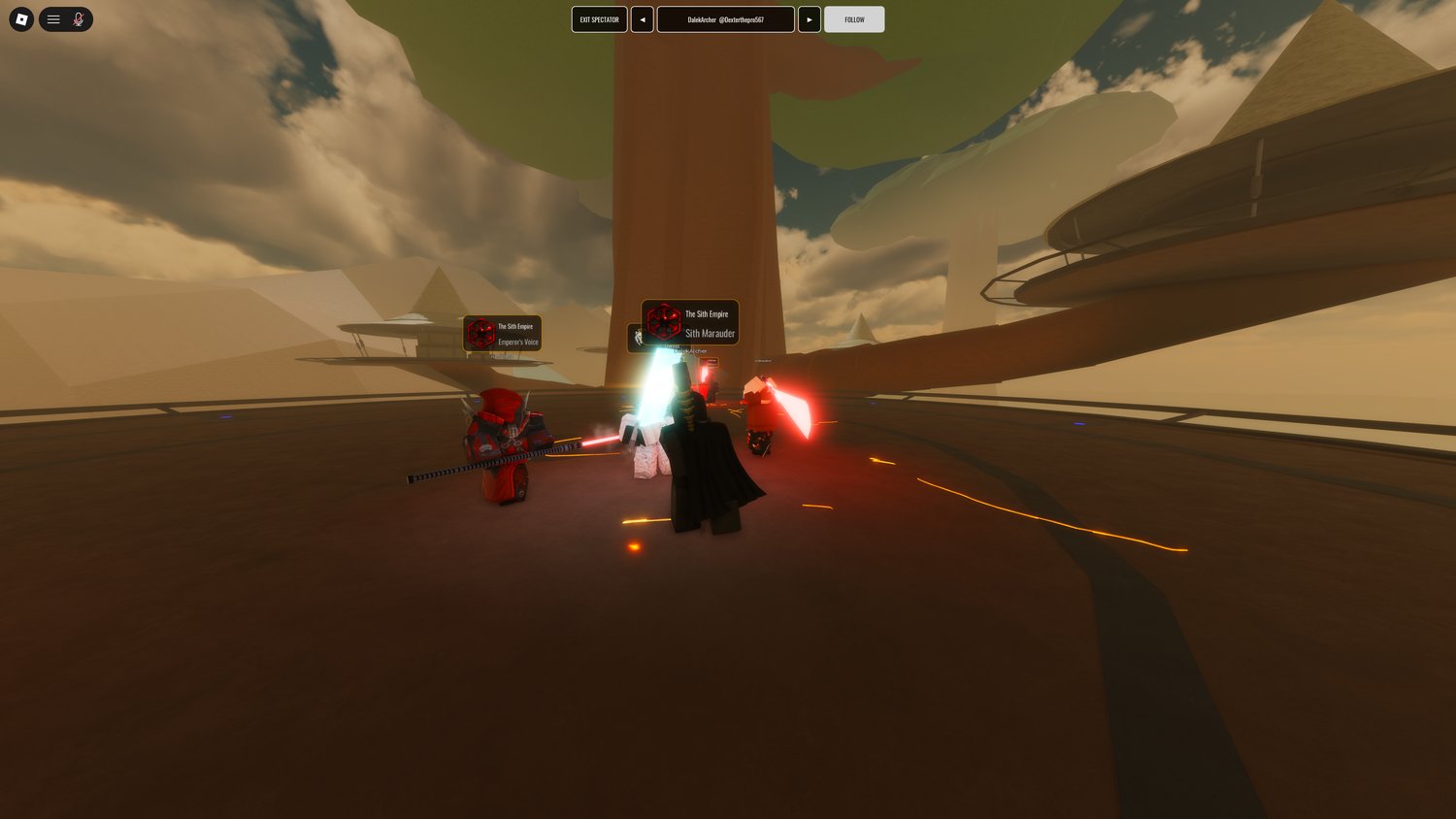
Watch the live match without deploying. Arrows cycle through everyone playing, follow locks the camera to whoever you are watching, and their name and clan show at the top. Useful for learning a matchup before you take it.
Shop
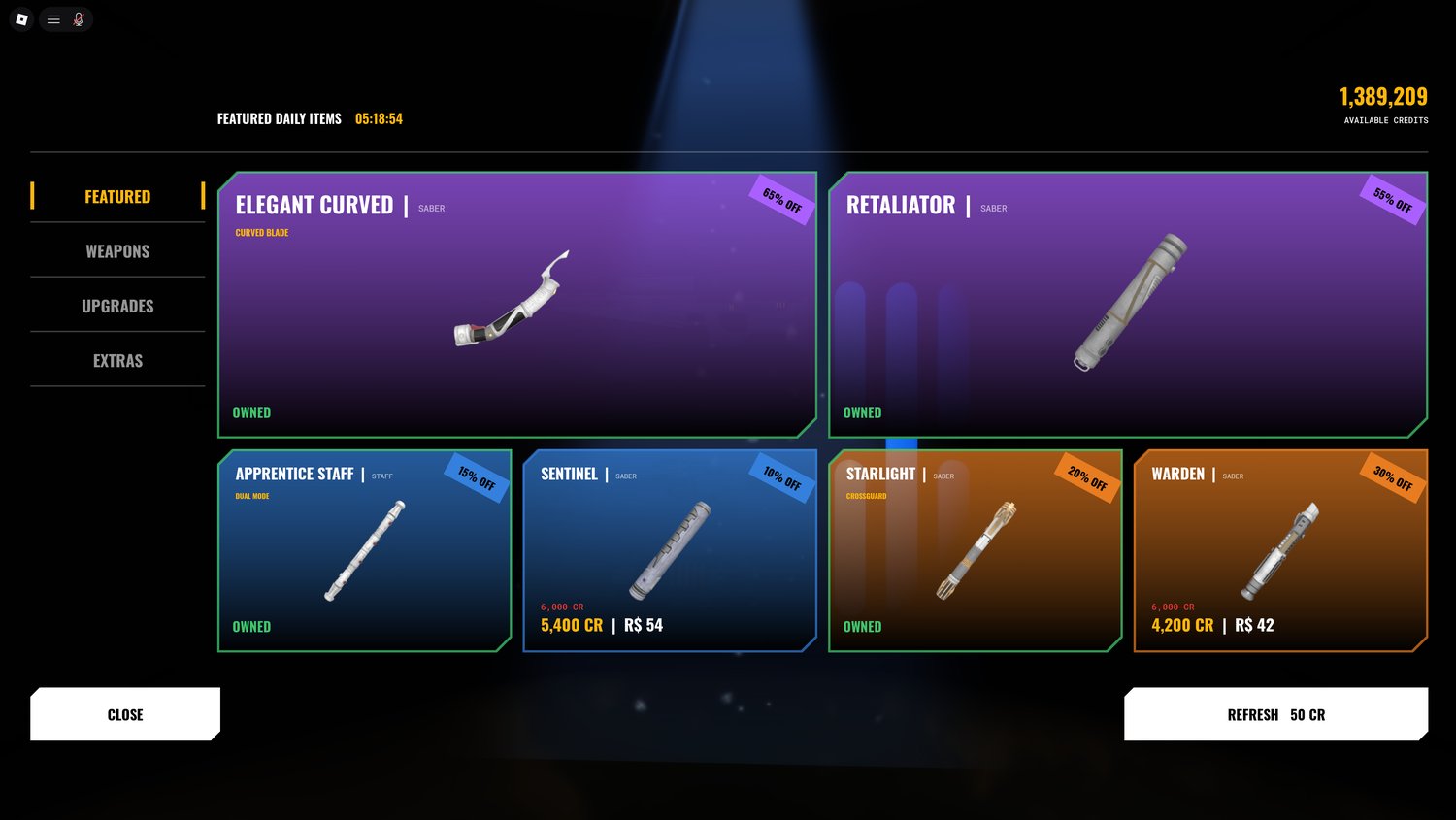
Four tabs: featured, weapons, upgrades and extras. Featured items are discounted and reset on a daily timer shown at the top. Refresh rerolls the featured list early for 50 credits. Every price is shown in both credits and robux, and anything you already have is marked owned.
Controls
Every bind is listed and rebindable in the keybinds menu, with a separate column for controller. The game switches to controller on its own and switches back the moment you touch mouse or keyboard.
Playing on mobile
Every keyboard action has a touch button. The game detects the device on its own and switches the whole control set over, then switches back the moment you touch a mouse or keyboard.
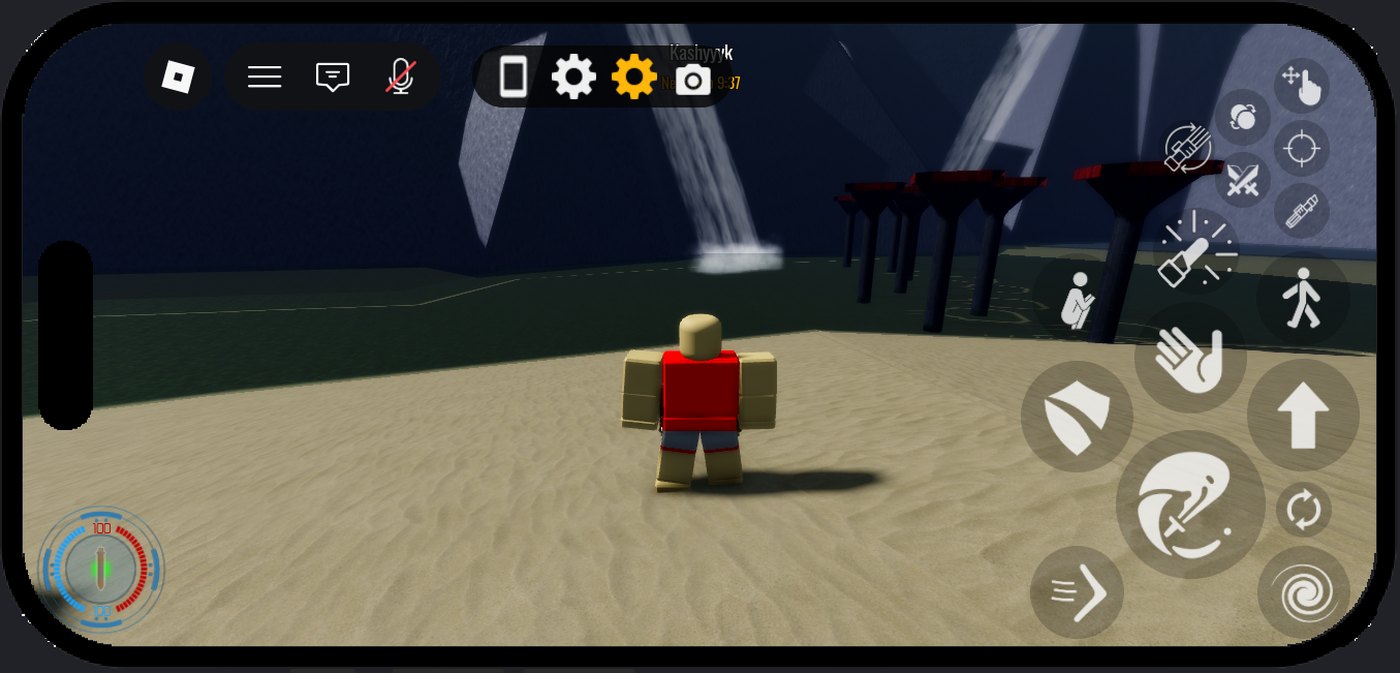
What each button does











Moving and resizing them
The edit layout button unlocks the set. Every control outlines in amber, and whichever one you are holding turns green. Drag it anywhere on screen, and use the plus and minus in the top bar to resize it.
The circular arrow resets the whole layout back to default. Your arrangement is saved to your account, so it follows you to any device you sign in on.
Touch sensitivity
The phone icon in the top bar opens the touch settings, where camera sensitivity is set separately from the desktop value. On a phone the keybinds menu, on the same bar, shows the touch layout instead of key names.
The seven forms
Seven numbered forms, each a different trade between damage, guard and speed. The form sets your blade colour, so what someone is holding tells you how they intend to fight.
| Form | Colour | Attack | Block | Swing speed | Windup | Combo | Cost | ACC | Notes |
|---|---|---|---|---|---|---|---|---|---|
| IShii-Cho | Yellow | 12 | 55 | 1.35 | 0.348 | 4 | 2 | 6 | A balanced foundation form. Reliable in every exchange. |
| IIMakashi | Purple | 15 | 49 | 1.215 | 0.478 | 3 | 3 | 4 | A fencing form built for one-on-one duels. Precise and fast to recover. |
| IIISoresu | Orange | 9 | 75 | 1.35 | 0.435 | 4 | 2 | 4 | The defensive form. Outlast your opponent behind an unbreakable guard. |
| IVAtaru | Blue | 6 | 70 | 2.025 | 0.217 | 6 | 2 | 8 | Aggressive acrobatic form. Fast strikes at the cost of guard strength. |
| VShien / Djem So | Cyan | 8 | 60 | 1.688 | 0.217 | 6 | 2 | 8 | Power counterattacks. Turn your opponent's offense into your opening. |
| VINiman | Pink | 10.5 | 53 | 1.688 | 0.209 | 3 | 3 | 8 | The moderation form. No weaknesses, no excesses. |
| VIIJuyo / Vaapad | Red | 19 | 42 | 1.215 | 0.478 | 3 | 3 | 4 | Unrelenting fury. Overwhelming offense that leaves nothing for defense. |
Weapons and wields
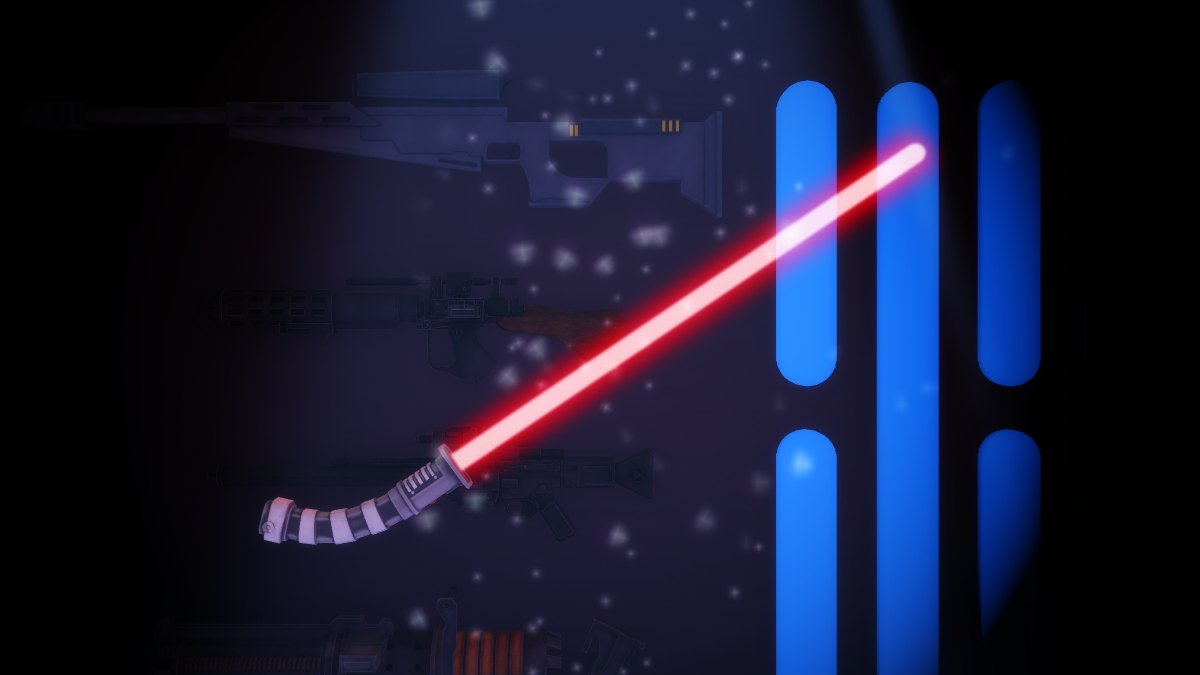
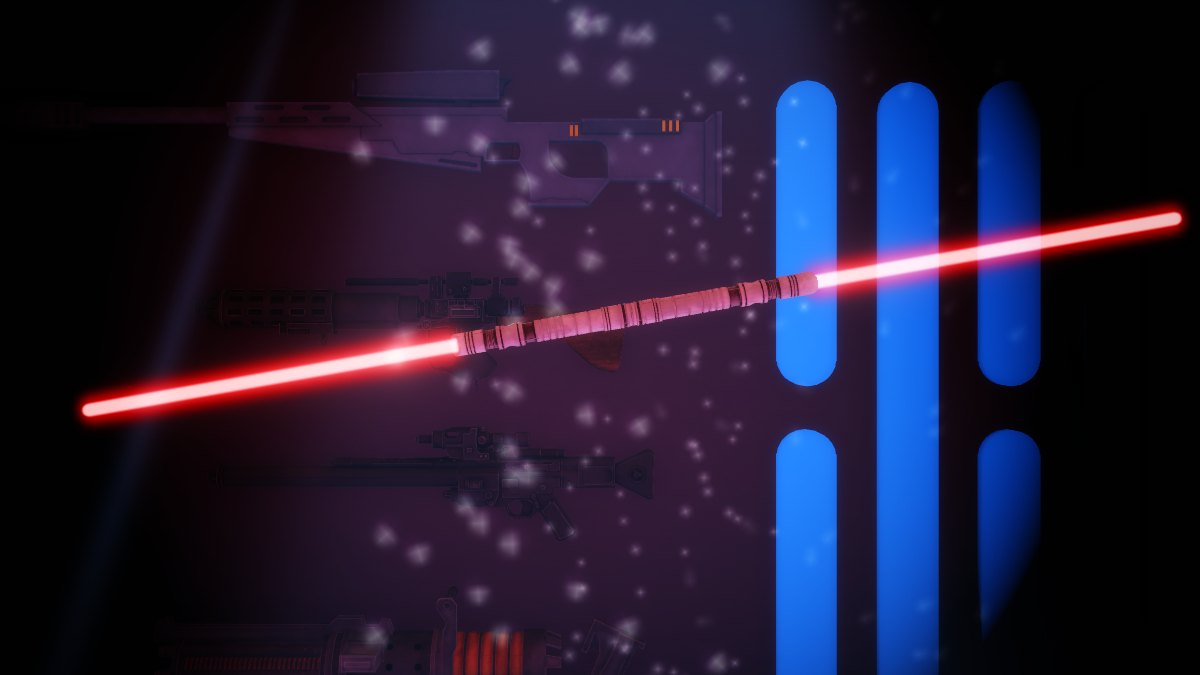
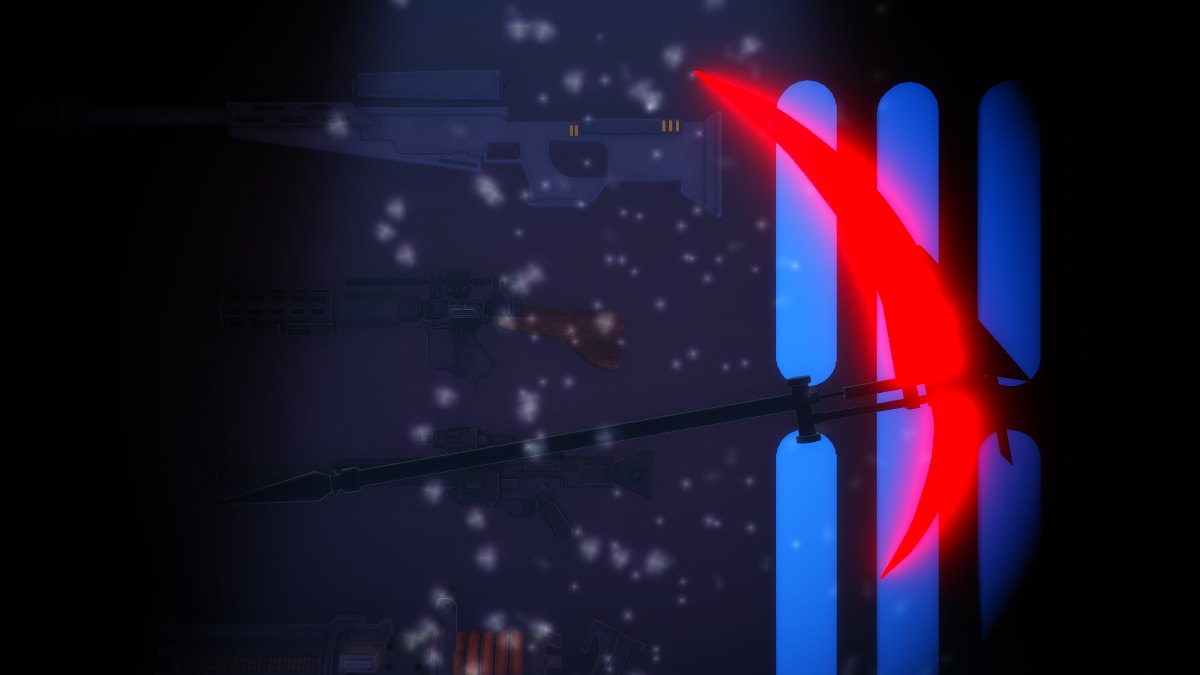
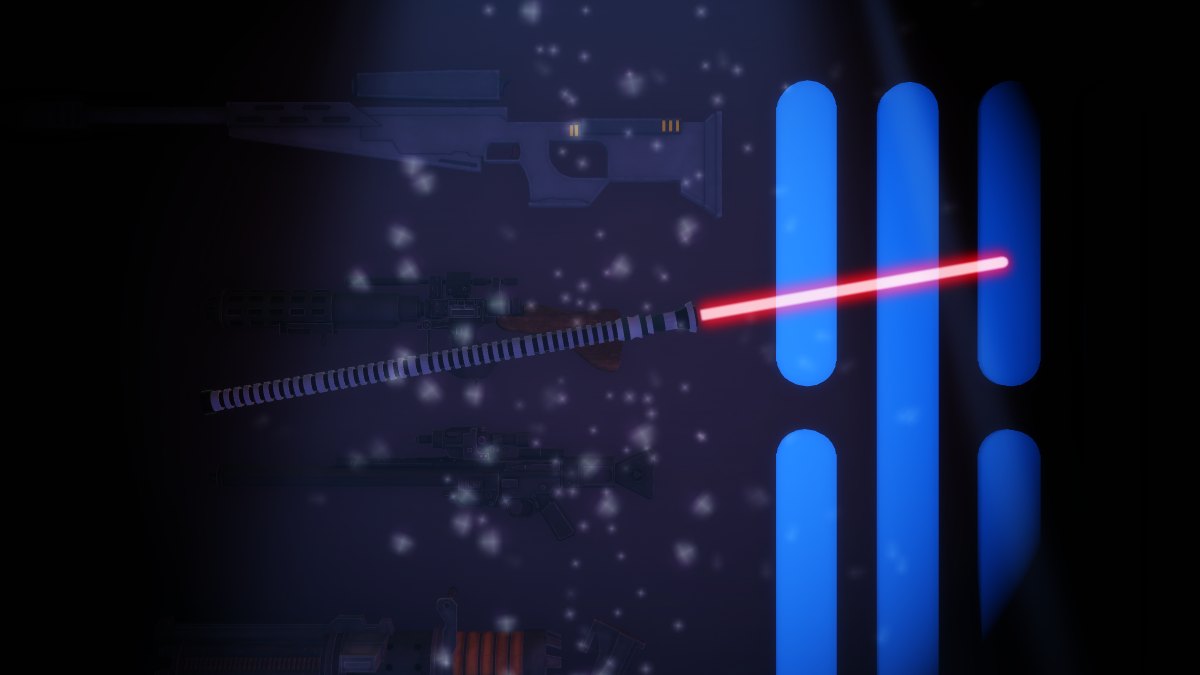
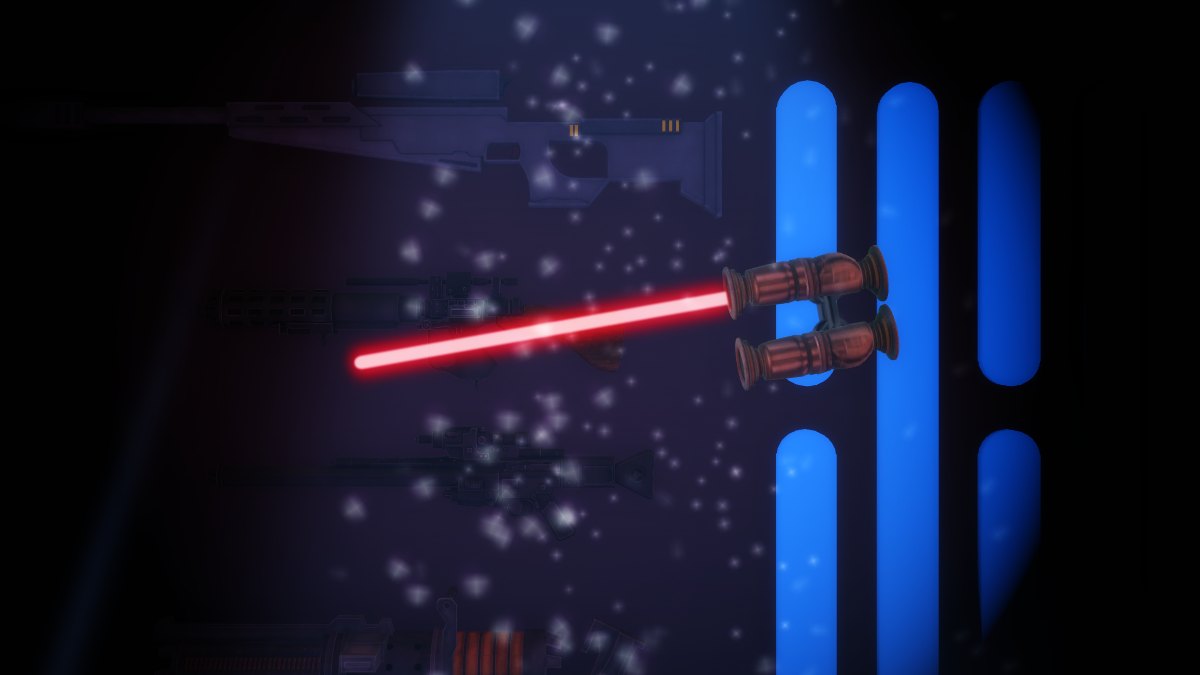
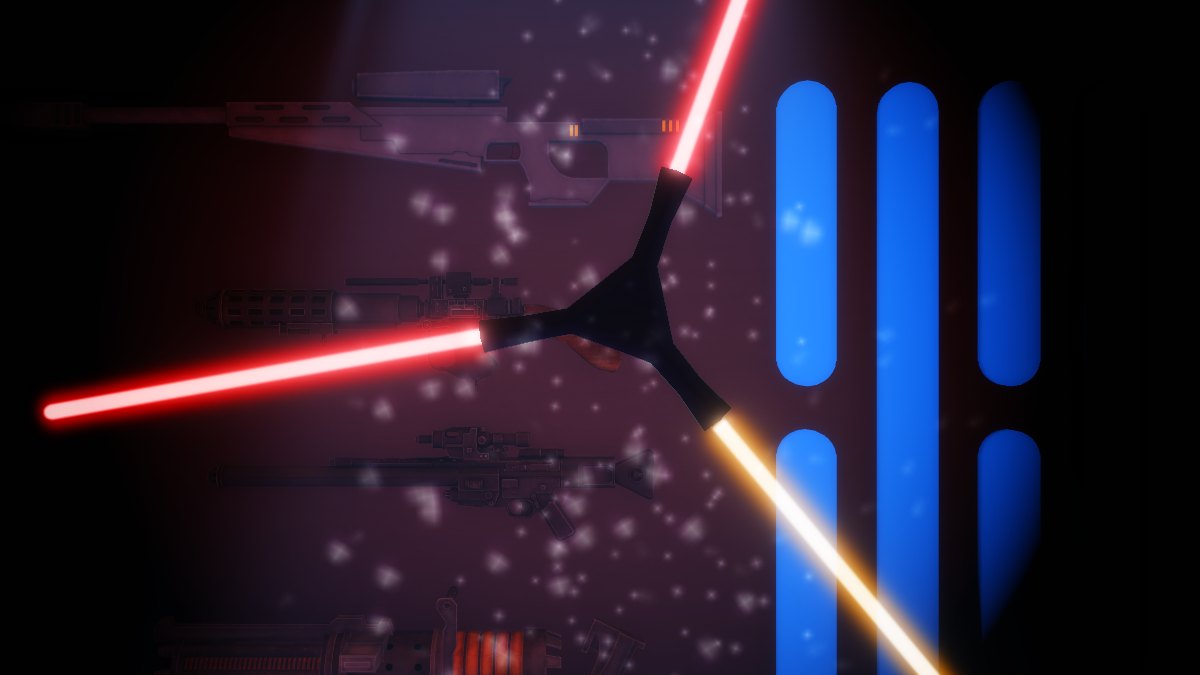
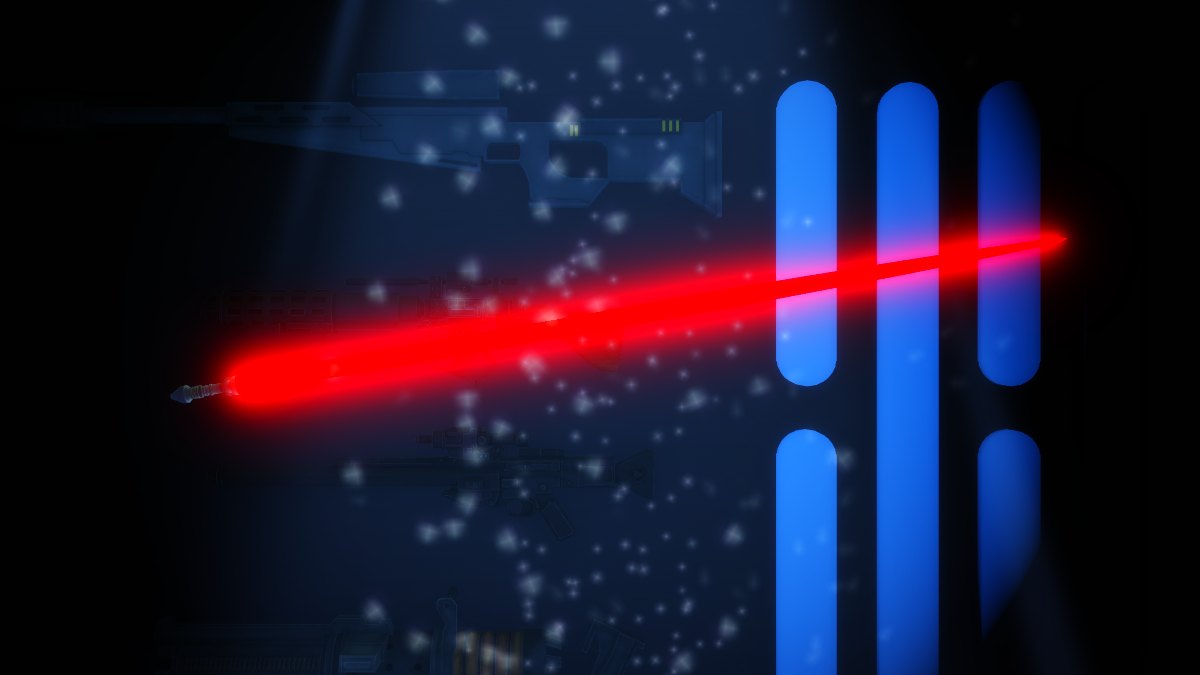
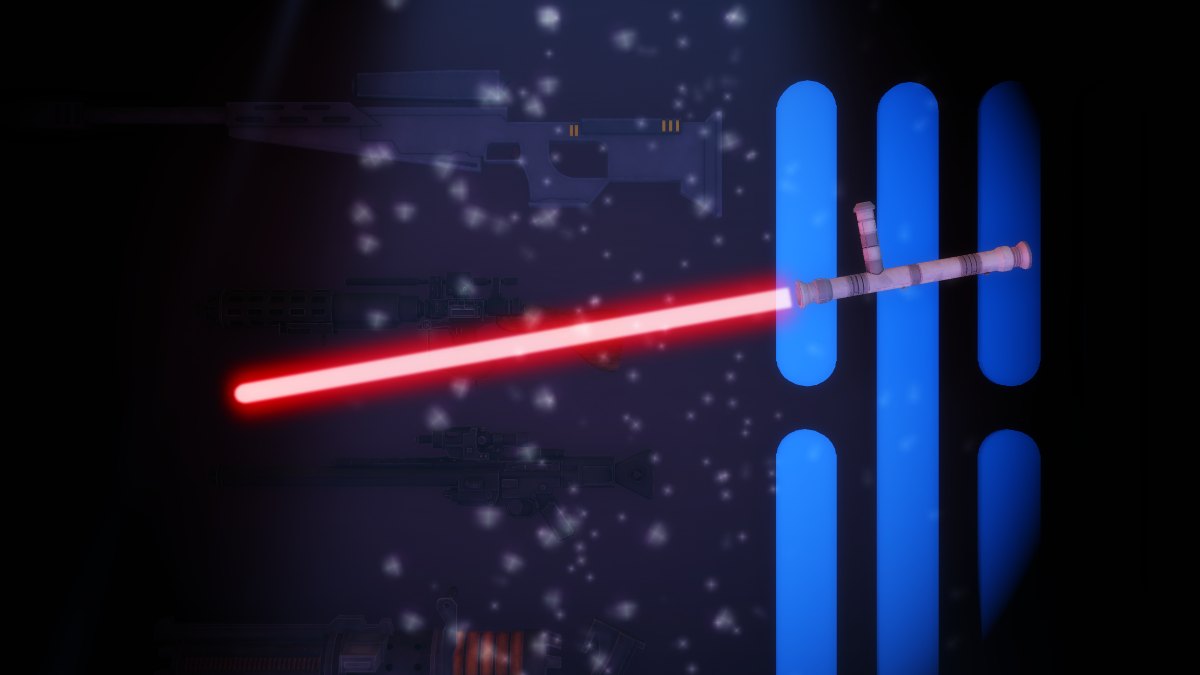
Weapon type is separate from form. It changes reach, how many you can hold and the shape of your chain.
How they compare
Every weapon and wield mode side by side. Click a heading to sort.
| Weapon | Attack | Block | Swing speed | Windup | Combo | Cost | ACC | Notes |
|---|---|---|---|---|---|---|---|---|
| Dual | 11 | 50 | 1.688 | 0.304 | 5 | 2 | 6 | Two sabers, one in each hand. |
| DualStaff | 12 | 60 | 1.08 | 0.435 | 4 | 2 | 4 | Two staffs. |
| DualBackhand | 12 | 45 | 0.945 | 0.33 | 5 | 2 | 6 | Two sabers, both held backhand. |
| Backhand | 6 | 70 | 1.485 | 0.217 | 4 | 2 | 8 | One saber held reversed. |
| BackhandScythe | 14 | 50 | 1.08 | 0.435 | 4 | 2 | 4 | A scythe held reversed. |
| TripleFloating | 12 | 55 | 1.08 | 0.391 | 4 | 2 | 6 | Three blades, the third floating. |
| Scythe | 14 | 50 | 1.08 | 0.435 | 4 | 2 | 4 | Long reach, heavy hits, two hand wield. |
| Spear | 10 | 65 | 1.35 | 0.435 | 4 | 2 | 4 | The longest reach in the game. |
| Staff | 10 | 65 | 1.08 | 0.391 | 4 | 2 | 6 | Double bladed. Strong guard, slow swing. |
| Whip | 10 | 50 | 0.999 | 0.348 | 2 | 2 | 6 | Flexible blade. Only a two hit chain. |
| Tonfa | 10 | 60 | 0.675 | 0.304 | 4 | 2 | 6 | Short and very fast, low reach. |
| Nunchucks | 8 | 60 | 0.472 | 0.261 | 4 | 2 | 6 | The slowest raw swing speed, awkward to read. |
| Boomerang | 11 | 55 | 1.62 | 0.435 | 3 | 2 | 6 | Thrown weapon, single wield only. |
Wielding more than one
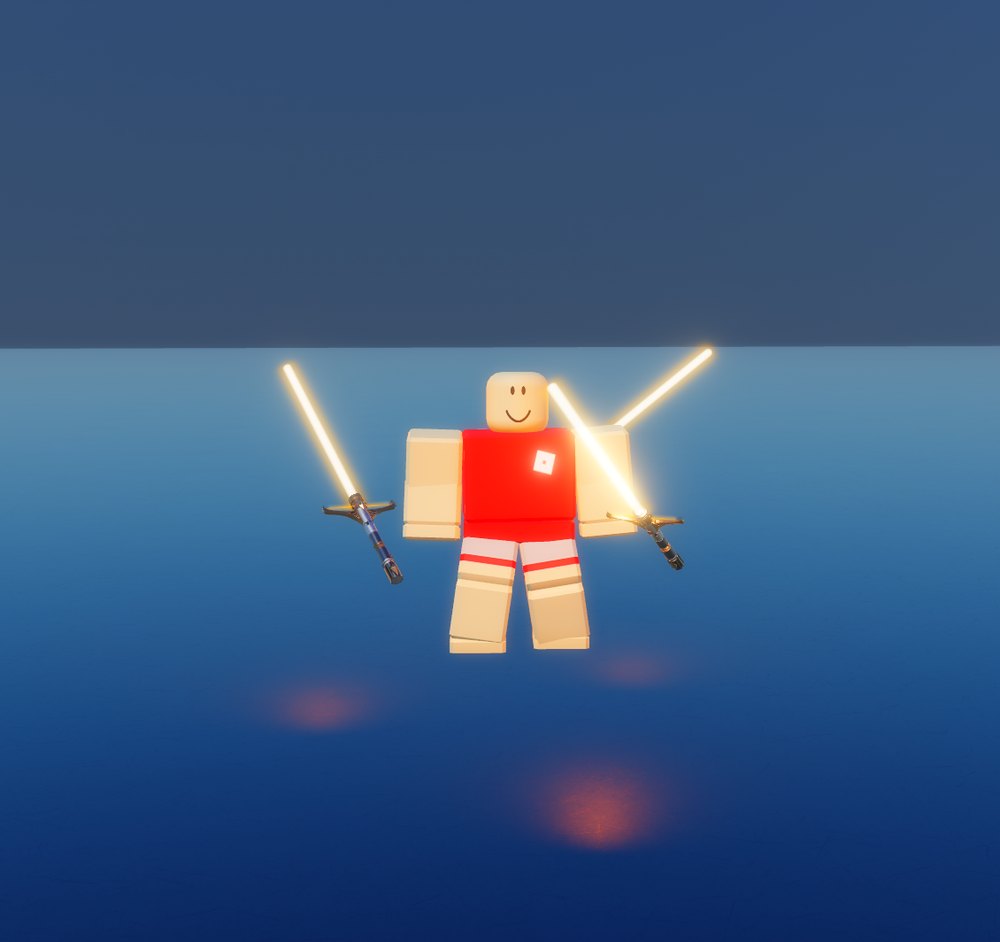
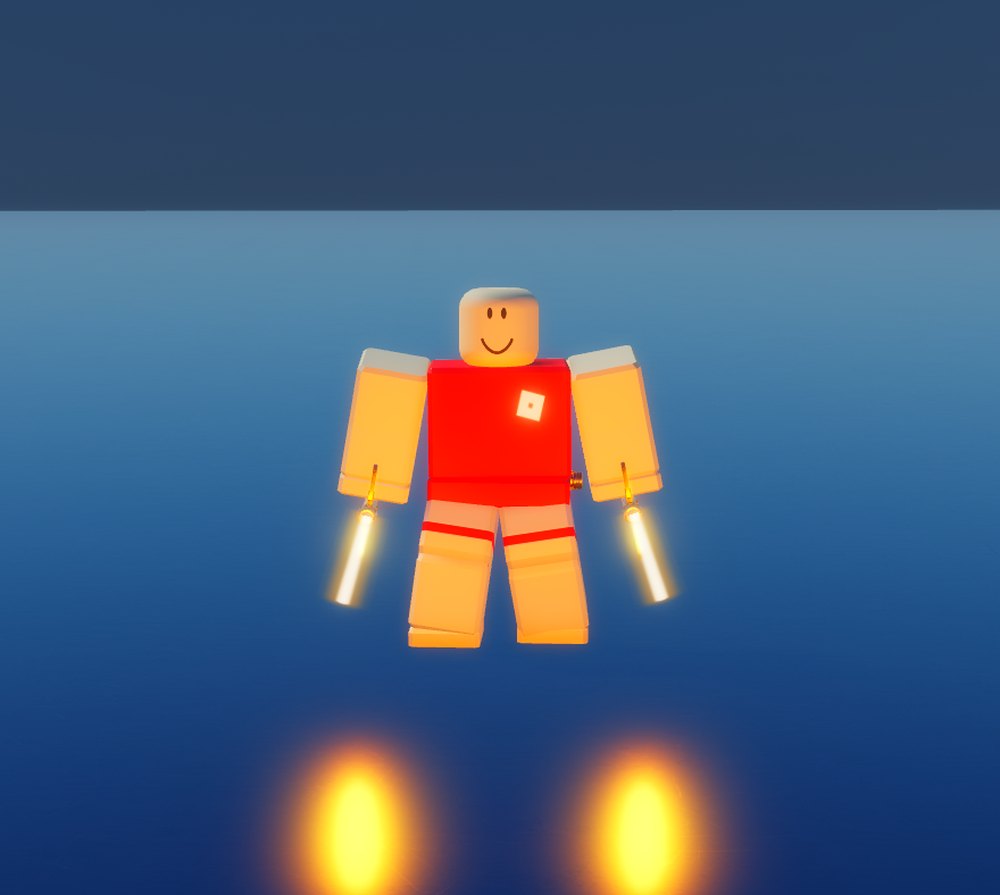
Sabers, staffs and spears can be multi wielded. Each extra weapon carries its own hitbox, so a dual or triple wield covers more ground on a swing and blocks across a wider arc.
Blocking, damage and movement
The HUD
Everything you need mid fight sits in the ring around your hilt.
Block points
Every player has 100 block points. Swinging, jumping and being hit all spend them. They come back at 1.61 a second while you are walking, blocking or standing still, and not at all while you run, crouch or jump.
Below 40.25 block points your guard stops holding, which is the guard break most kills come from. Blocking a hit costs 0.6 times what taking it would, and your guard only covers 90 degrees either side of where you face, so anything from behind or the flank lands clean.
Movement changes your damage
What you are doing when the blade lands matters as much as which form you picked. Running multiplies damage by 1.2, walking cuts it to 0.5, and everything is scaled by 0.9 on top. Running also stops block point regeneration, so the hardest hits are the ones you can least afford to keep throwing.
Throwing your saber
A thrown saber travels 35 studs and costs 10 block points to release. It does 15 on a normal hit and 50 to an unguarded body, which is the highest single number in the game. You are unarmed until it returns.
Reading a fight
The game shows you what just happened in colour. Learn the three colours and you know whether to press or back off.
Block direction
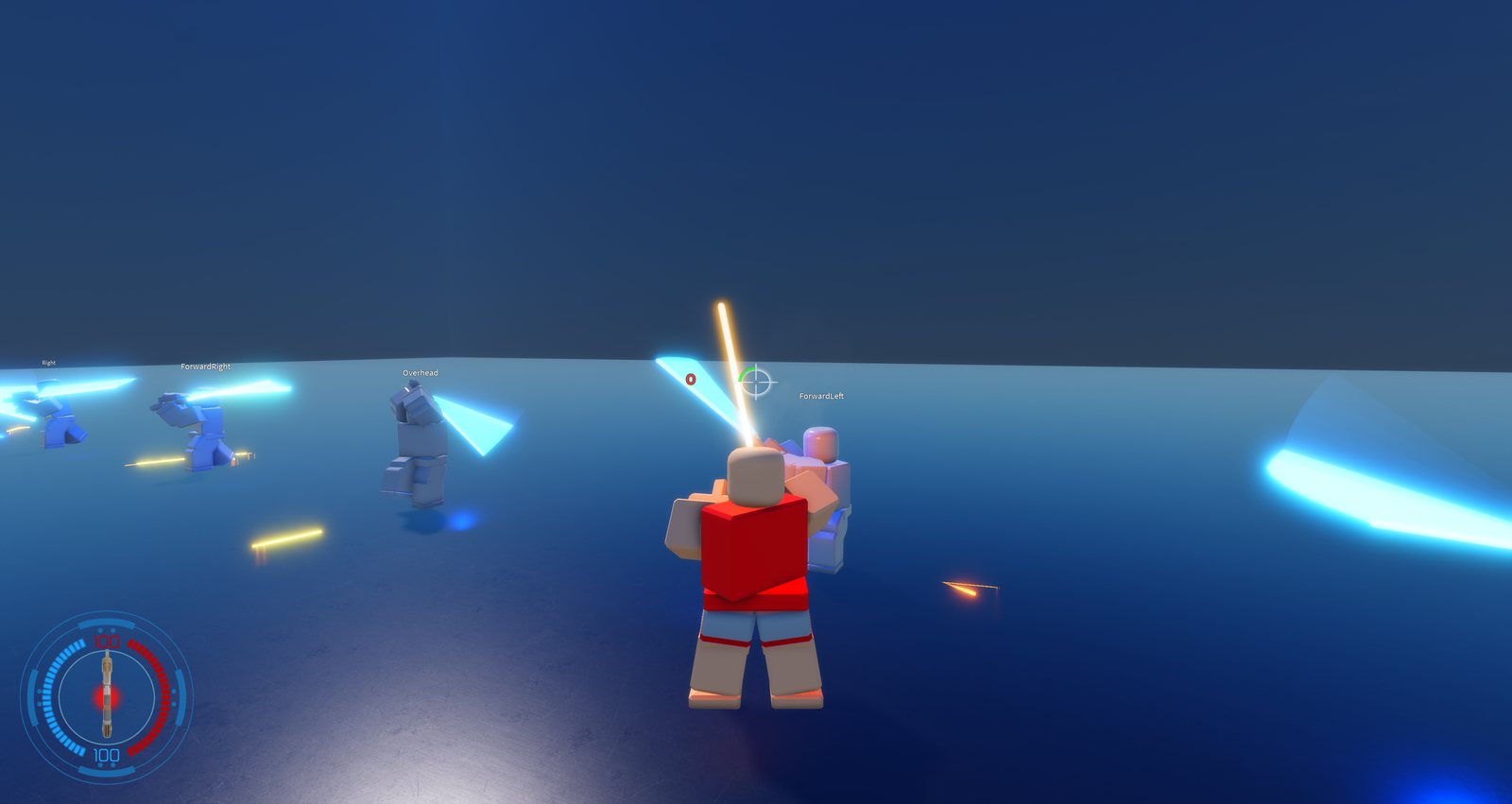
Blocking is directional. There are seven zones around your opponent, one for each direction they can swing from, and you block a swing by aiming into the zone it comes from. Your guard covers 90 degrees either side of where you face, so swings from behind or from the flank land whatever you do.
The zones are wider than the gaps between them, so they overlap. One aim can sit in two zones at once and block both of those swings without moving. Find an angle that covers the two swings your opponent keeps using and hold it.
The zones are measured against one person: your opponent if you are in a duel, otherwise the closest player you are allowed to hit within 20 studs.
Perfect block
To perfect block, aim into the zone the swing is coming from before it lands. There is no timing to it. Hold block, get the direction right, and the swing is perfect blocked.
A perfect block costs you no block points at all. An ordinary block still costs them. Guard breaks come from swings you did not read. Perfect block enough of them and your block points hold out.
Your ring flashes green and so does the edge of your screen. Theirs flashes amber. You then have 0.45 seconds to swing back.
A swing is named by the keys the attacker is holding as they click.
| Keys | Swing |
|---|---|
| W | Overhead |
| D | Right |
| A | Left |
| WD | Front right |
| WA | Front left |
| SD | Back right |
| SA | Back left |
Holding nothing swings overhead, the same as W.
Two things stop a perfect block no matter how you aim. You cannot perfect block after being slapped, and you cannot perfect block with your saber thrown, because there is nothing in your hands to block with.
Manual block
Hold block and a movement key and your guard follows the keys instead of your aim. Let go of the keys and it goes back to following your aim.
A manual block has to match the swing exactly, and it disarms them when it does.
Get it wrong and it is an ordinary block, so a failed manual block costs you the block points that block would have cost.
Counter swing
Swing inside that window and it is a counter. The ring stays green for half a second after the perfect block, so the ring is your timer. Catch them on the first hit of a combo and you get a single counter; catch them mid combo and the window stays open for a chain.
What the screen edge means
| Edge colour | What just happened |
|---|---|
| Green | You perfect blocked. Counter now. |
| Amber | Your swing was perfect blocked. Expect a counter and guard. |
| Red | You took a clean body hit. |
Disarm
A saber knocked out of someone's hands lands on the floor and can be picked up again. It is also the best paying kill in the game — 30 credits against 15 for an ordinary body hit.
Saber throw
A thrown saber travels 35 studs and costs 10 block points to release. It does 15 on a normal hit and 50 to an unguarded body, the highest single number in the game. A missed throw is the worst position you can be in. Throws can be parried in mid air.
Feint
Start a swing and cancel it before it lands. Against anyone reading your swing direction to time a perfect block, a feint makes them commit their guard to a hit that never comes, and leaves them wrong footed for the real one.
ACC and ACM
ACC is a hidden count of how many heavy hits you have landed in a row. ACM is the damage multiplier it produces. Landing heavy hits raises ACC by one each time; the multiplier only starts once you are within two of your weapon's threshold, then climbs to a maximum of 9.
ACM = ACC − threshold + 2, clamped between 0 and 9
Getting hit drops ACC by one, or by two if your weapon's windup is 0.25s or faster. Quick weapons build the chain easily and lose it twice as fast. Landing nothing for 30 seconds resets the chain to zero.
Only heavy hits count. Chip damage does not build ACC. Trading pokes gets you nowhere. Commit to a real exchange.
Thresholds
The lower the threshold, the sooner your multiplier starts climbing.
| Threshold | Weapons and forms |
|---|---|
| 4 | BackhandScythe, DualStaff, Orange, Purple, Red, Scythe, Spear |
| 6 | Boomerang, Dual, DualBackhand, Nunchucks, Staff, Tonfa, TripleFloating, Whip, Yellow |
| 8 | Backhand, Blue, Cyan, Pink |
Force powers
Powers are bound in the keybinds menu and spend force points. To target someone you hold focus on them for 3 seconds, within 40 studs.
Push
20 FPKnocks a target off their feet and away from you. The opener most fights start with, and the cheapest way to buy yourself room.
Pull
20 FPDrags a target towards you, or pulls a dropped saber back into your hand. The answer to someone who has just been disarmed and is reaching for their blade.

Grip
30 FPLifts a target off the ground. Hold it past 2s and it becomes a choke that keeps draining them.

Lightning
3 FP/tickSustained damage in a cone in front of you. Blocking it does not make it free: a guard still bleeds block points for every tick it absorbs.

Speed
40 FPMove faster for as long as you can pay for it. It drains the whole time it is on, so turn it off when you are not using it.

Sense
FreeHighlights players through walls. Costs nothing to use, but you have to hold focus for 3s first, which is 3s of not fighting.
Dash
40 FPA short burst of speed in the direction you are moving. Closes a gap or escapes one, and the cooldown is long enough that it is a decision.
How they compare
| Power | Cost | Effect |
|---|---|---|
| Push | 20 FP | Knocks a target off their feet and away from you. The opener most fights start with, and the cheapest way to buy yourself room. |
| Pull | 20 FP | Drags a target towards you, or pulls a dropped saber back into your hand. The answer to someone who has just been disarmed and is reaching for their blade. |
| Grip | 30 FP | Lifts a target off the ground. Hold it past 2s and it becomes a choke that keeps draining them. |
| Lightning | 3 FP/tick | Sustained damage in a cone in front of you. Blocking it does not make it free: a guard still bleeds block points for every tick it absorbs. |
| Speed | 40 FP | Move faster for as long as you can pay for it. It drains the whole time it is on, so turn it off when you are not using it. |
| Sense | Free | Highlights players through walls. Costs nothing to use, but you have to hold focus for 3s first, which is 3s of not fighting. |
| Dash | 40 FP | A short burst of speed in the direction you are moving. Closes a gap or escapes one, and the cooldown is long enough that it is a decision. |
Training server
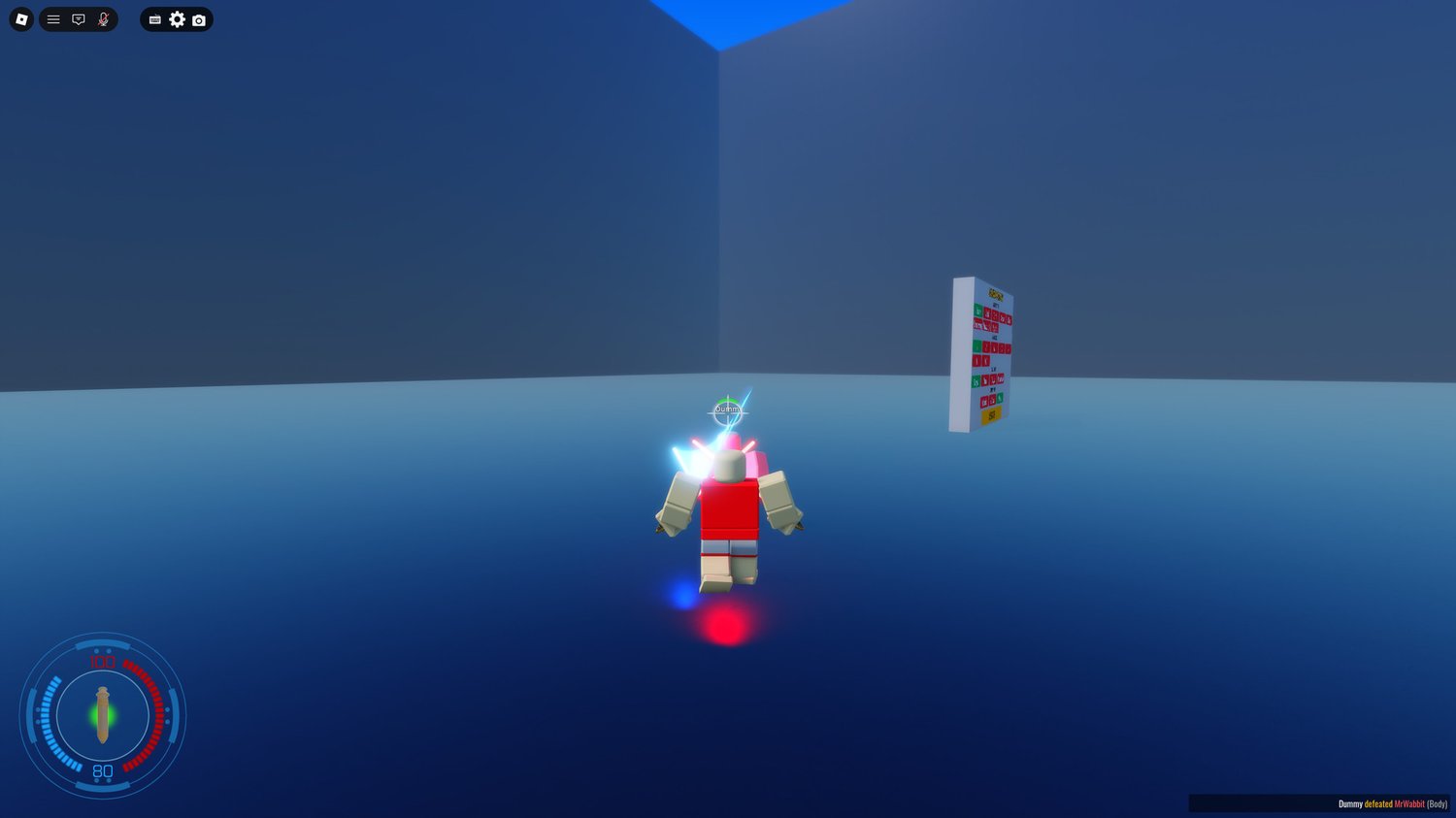
A separate place you reach from a portal in the lobby. You deploy exactly as you do in the main game, and land in a room with a board that spawns dummies to practise against.
The board
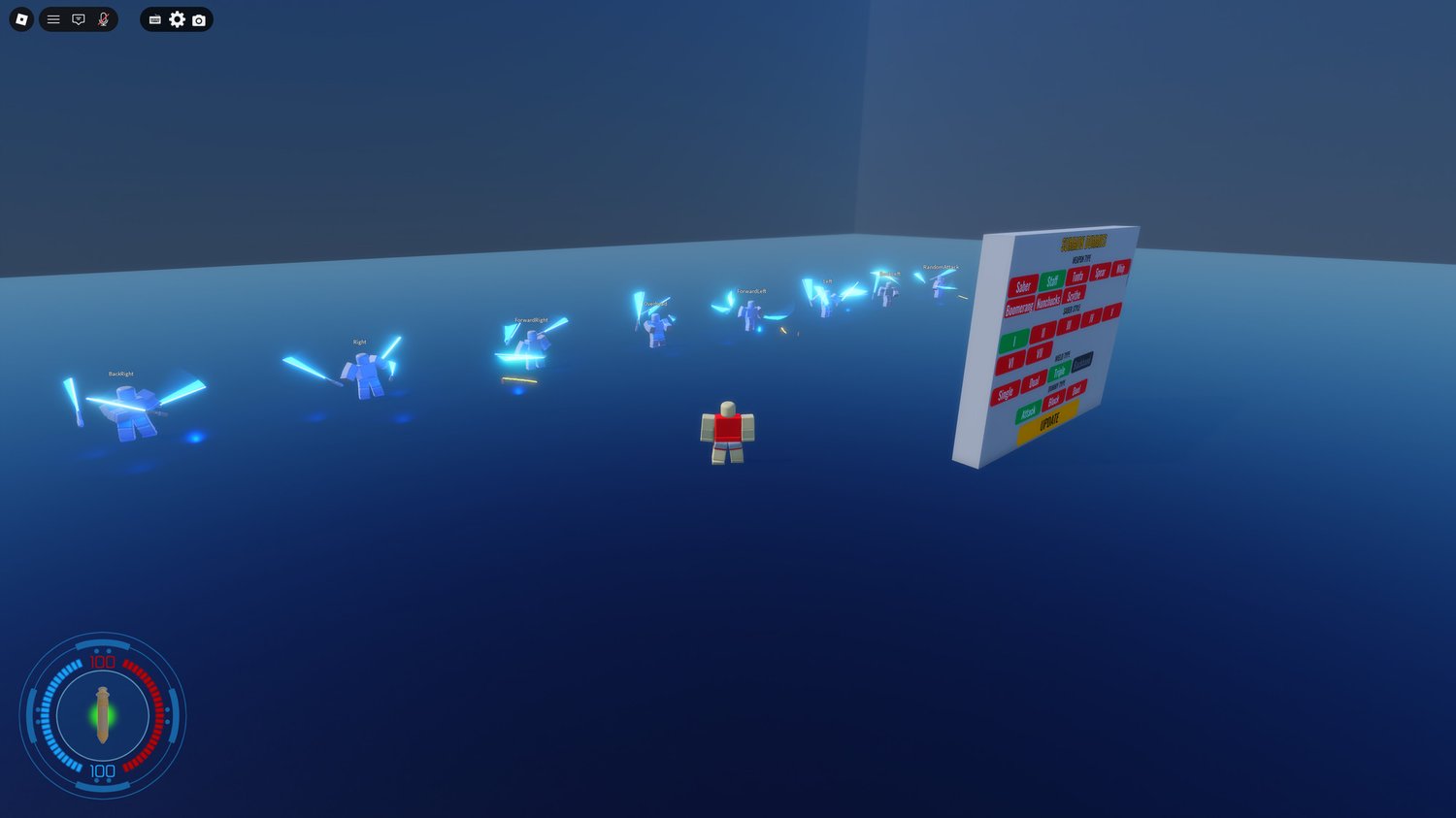
Pick a weapon, a style, how it is wielded and what kind of dummy you want, then hit update.
Attack dummies
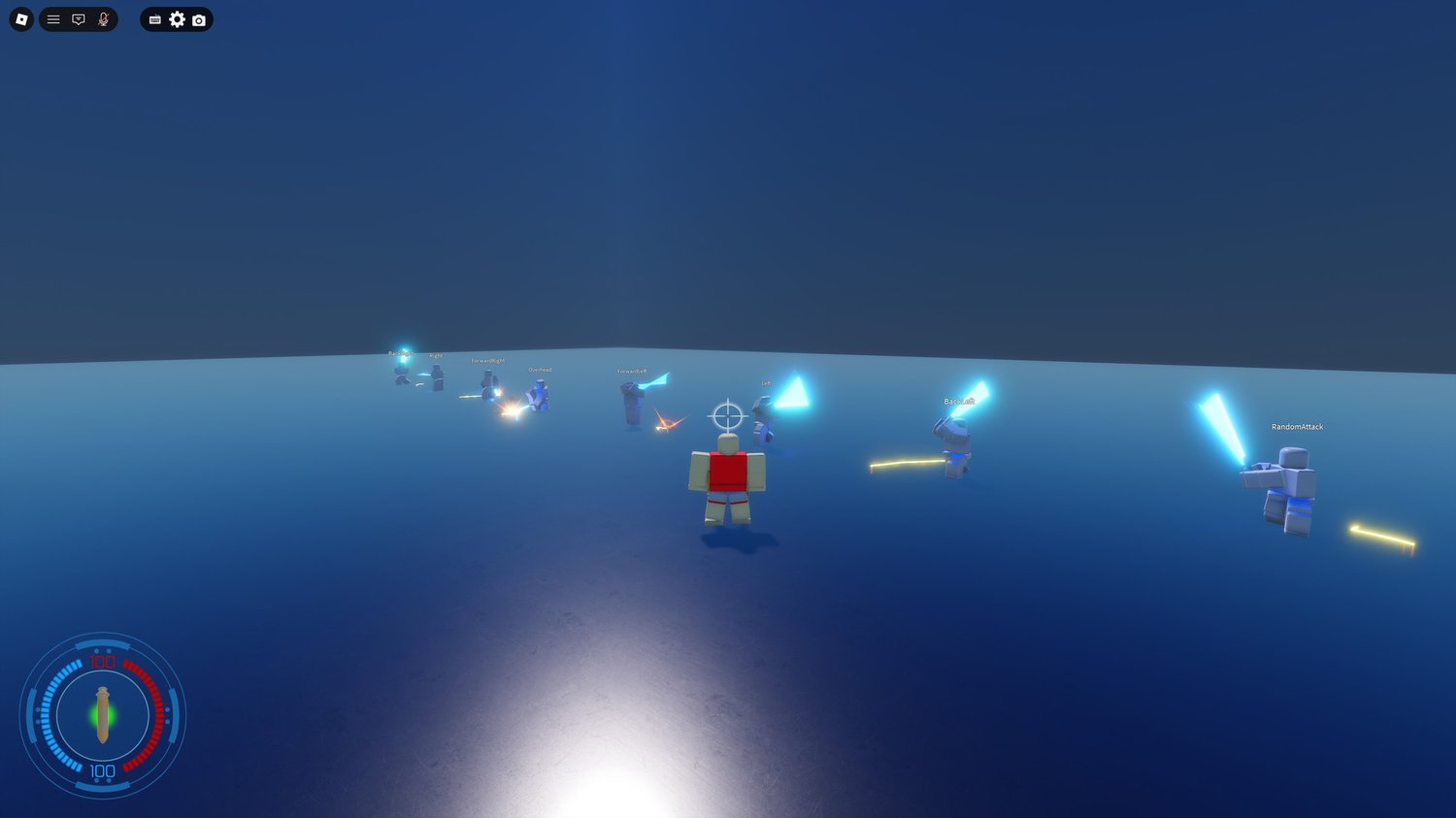
One dummy per swing direction, each labelled with the direction it attacks from: ForwardLeft, Left, BackLeft, Overhead, ForwardRight, Right, BackRight, and RandomAttack.
They swing on a loop and never stop, so you can stand in front of one and drill blocking that direction until it is automatic. Perfect blocking is directional, so this is the only way to practise it without a partner.
Block dummies
Block guards with normal block points, so you can practise breaking a guard and see how many hits it actually takes. Infinite Block never breaks — that one is for drilling swings, chains and half swings against something that will not fall over.
Duel dummies
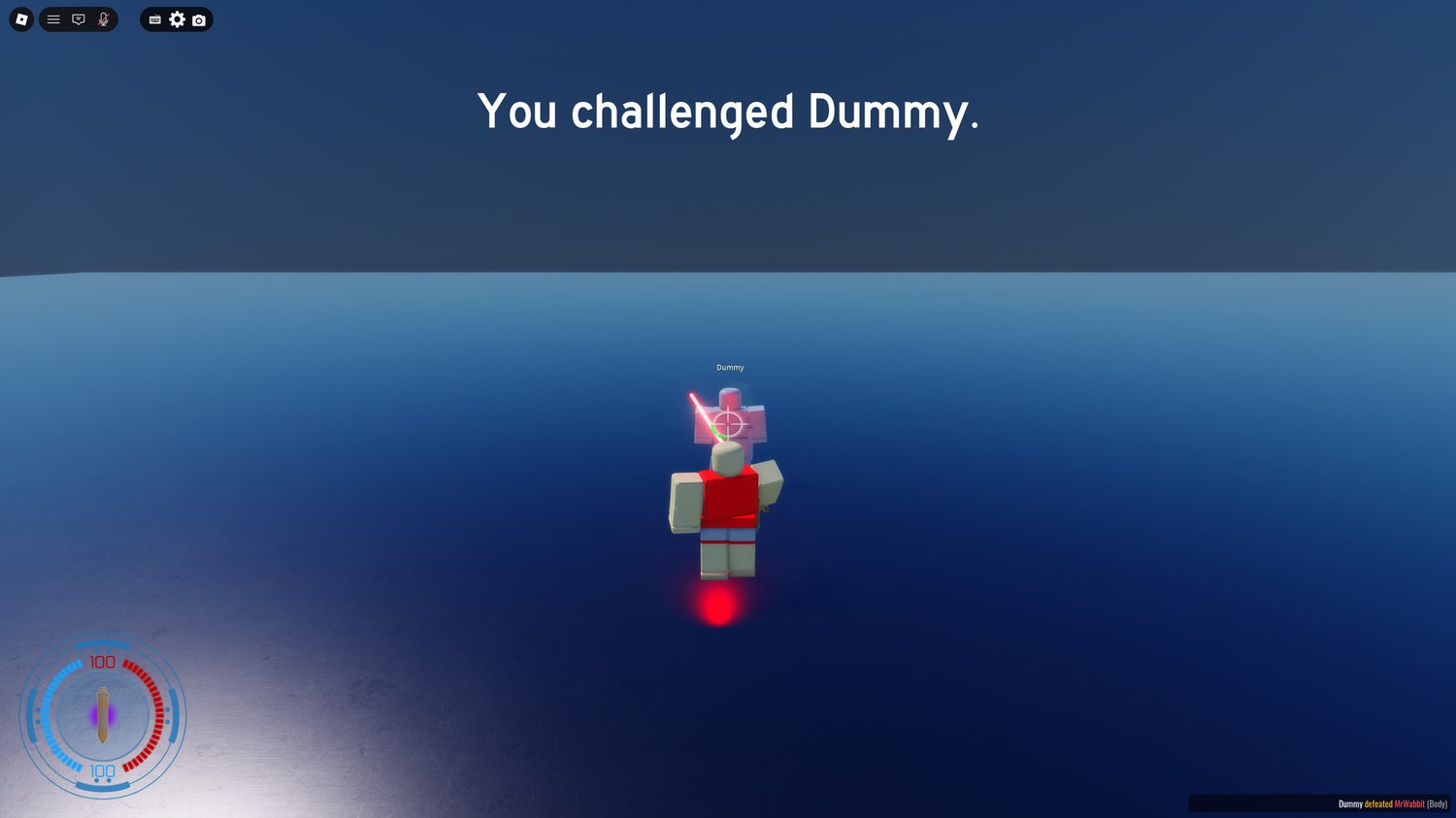
A duel dummy runs the same combat AI the game uses everywhere. It reads your swing direction off your character state and turns into it, so it perfect blocks every swing you throw. Beating it means feinting or breaking its guard, not out-aiming it.
It swing blocks: it re-guards within a tenth of a second of its own swing, so countering it is a real timing problem. Below 40 block points it starts walking, because walking regenerates them. Above 50 it will force jump to reach you if you are more than six studs above it, and it backs off if you drop below it.
Disarm it and it retreats, jumping backwards while it recovers. Get inside five studs while it is out of block points and it slaps you.
Hilts
64 hilts across 8 weapon types. Hilts are cosmetic: they change how your weapon looks, never how it fights. Prices are shown in credits and in robux, and both buy the same thing.
Every hilt
Nothing matches that.
Special mechanics
Spinning blades
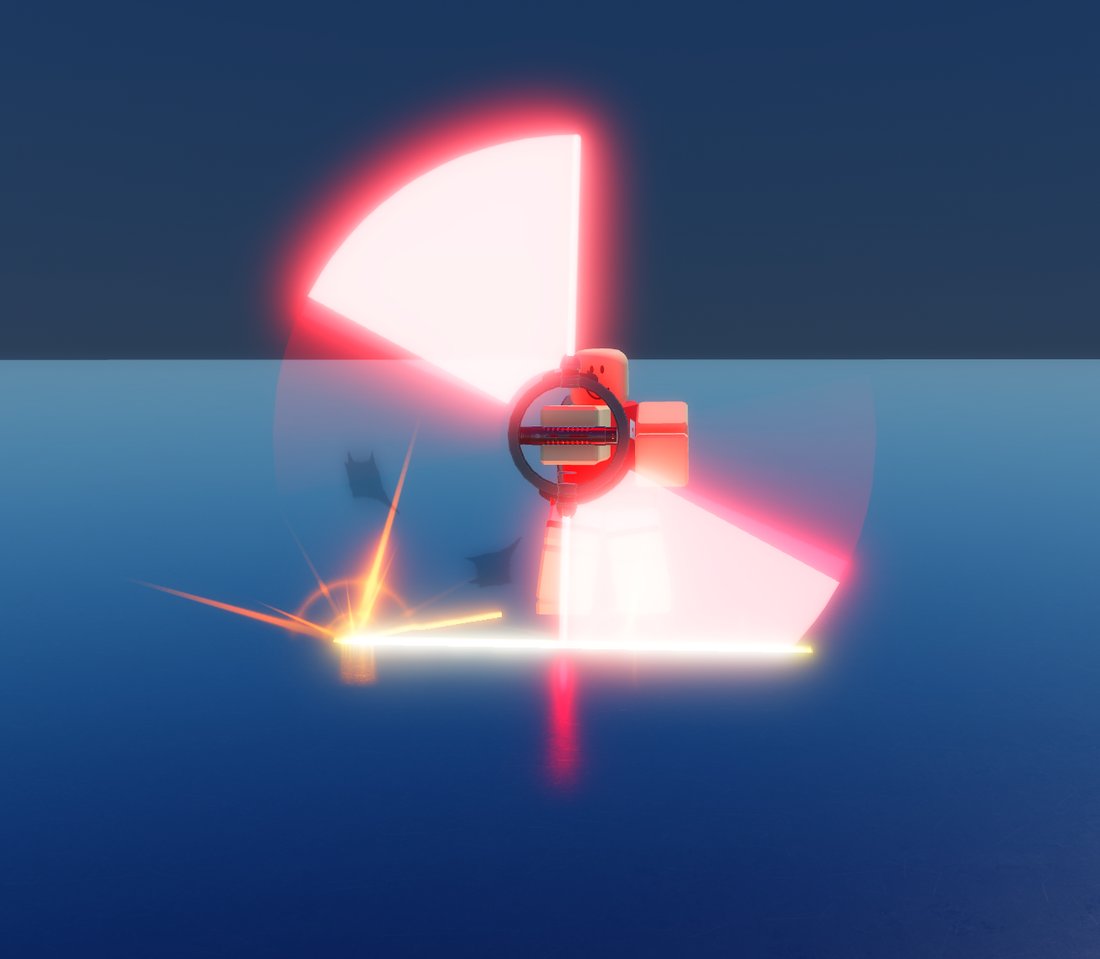
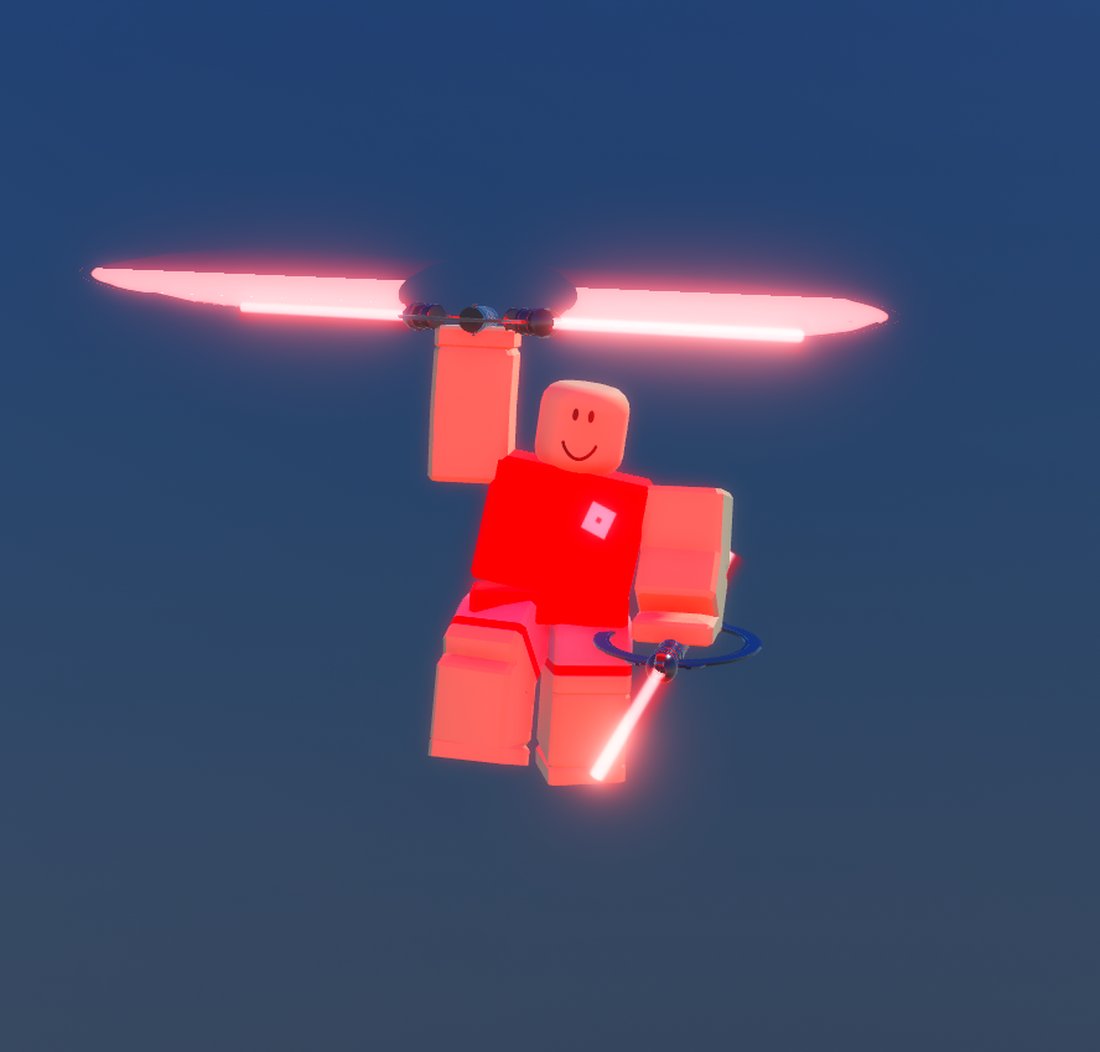
Some hilts, the Judicator among them, carry rotor blades. Hold block while wielding one as a staff or dual staff and they spin up into a disc. The disc is a real hitbox — anyone who walks into it takes the hit.
Gliding
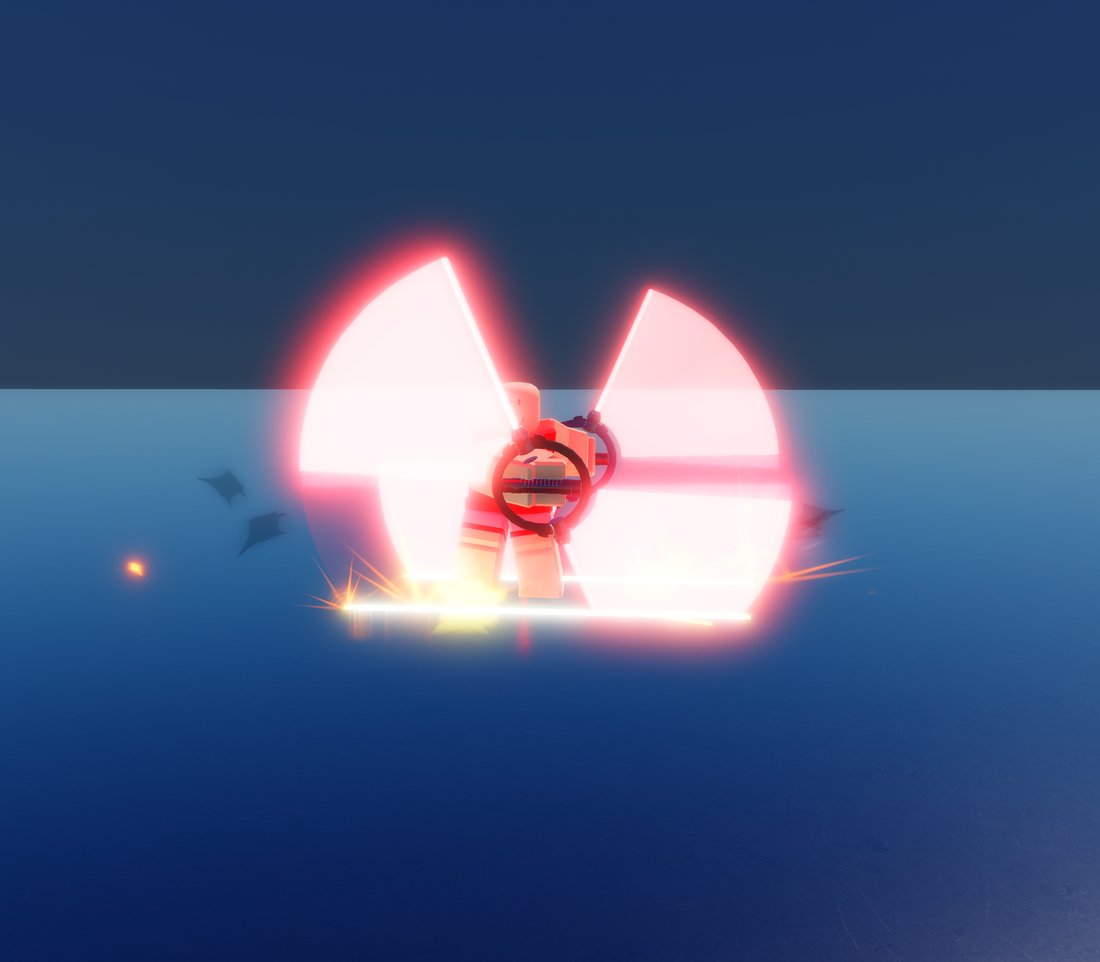
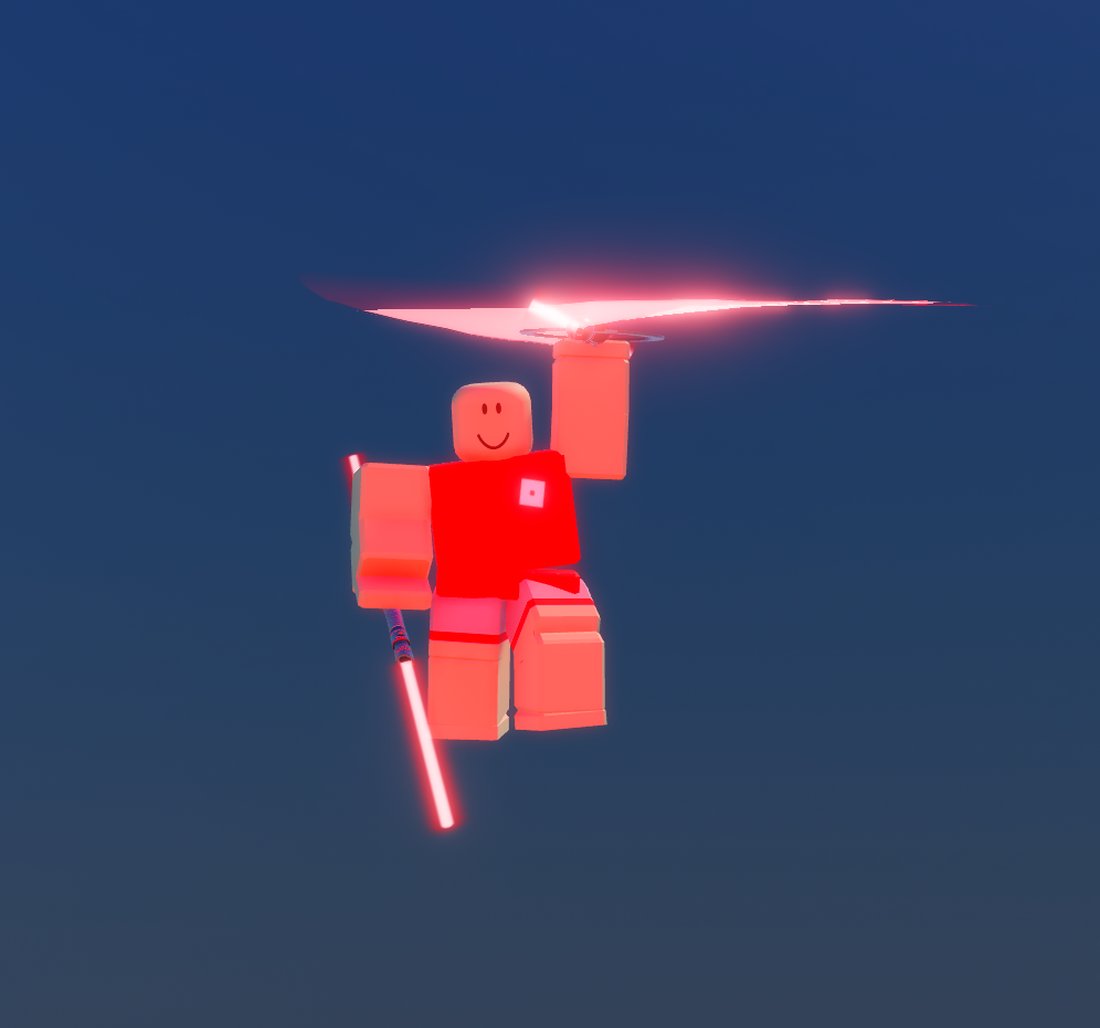
Do it in the air, off a force jump or off any fall, and the rotor catches you. Your descent is capped and you glide instead of dropping.
Credits and the shop
Credits are the free currency. Everything buyable with robux can also be bought with credits, so nothing in the game is locked behind money.
Credits buy everything robux buys. The shop is where they get spent.
Earning
Every kill pays, and how you got it decides how much.
| Kill type | Credits |
|---|---|
| Disarm Disarming then finishing | 30 |
| Stam Breaking their guard first | 25 |
| Body Landing a clean body hit | 15 |
| Back Hitting them from behind | 10 |
| Env They died to the map after you hit them | 5 |
Killing whoever killed you last adds 15. On top of that you collect a bounty of 3 credits for every kill in the streak of the player you just ended, so whoever is running the server is worth hunting.
Streak bonuses
Paid once as your own streak passes each mark.
| 5 kill streak | +10 |
| 10 kill streak | +25 |
| 15 kill streak | +50 |
| 20 kill streak | +100 |
| 25 kill streak | +175 |
Server population
Everything above is scaled by how busy the server is, so farming an empty server pays least.
| 15+ players | 1x |
| 5+ players | 0.75x |
| 0+ players | 0.5x |
Buying credits
| 1,000 credits | 10 R$ |
| 5,000 credits | 49 R$ |
| 25,000 credits | 240 R$ |
| 100,000 credits | 949 R$ |
| 250,000 credits | 2,200 R$ |
| 1,000,000 credits | 7,999 R$ |
Clans
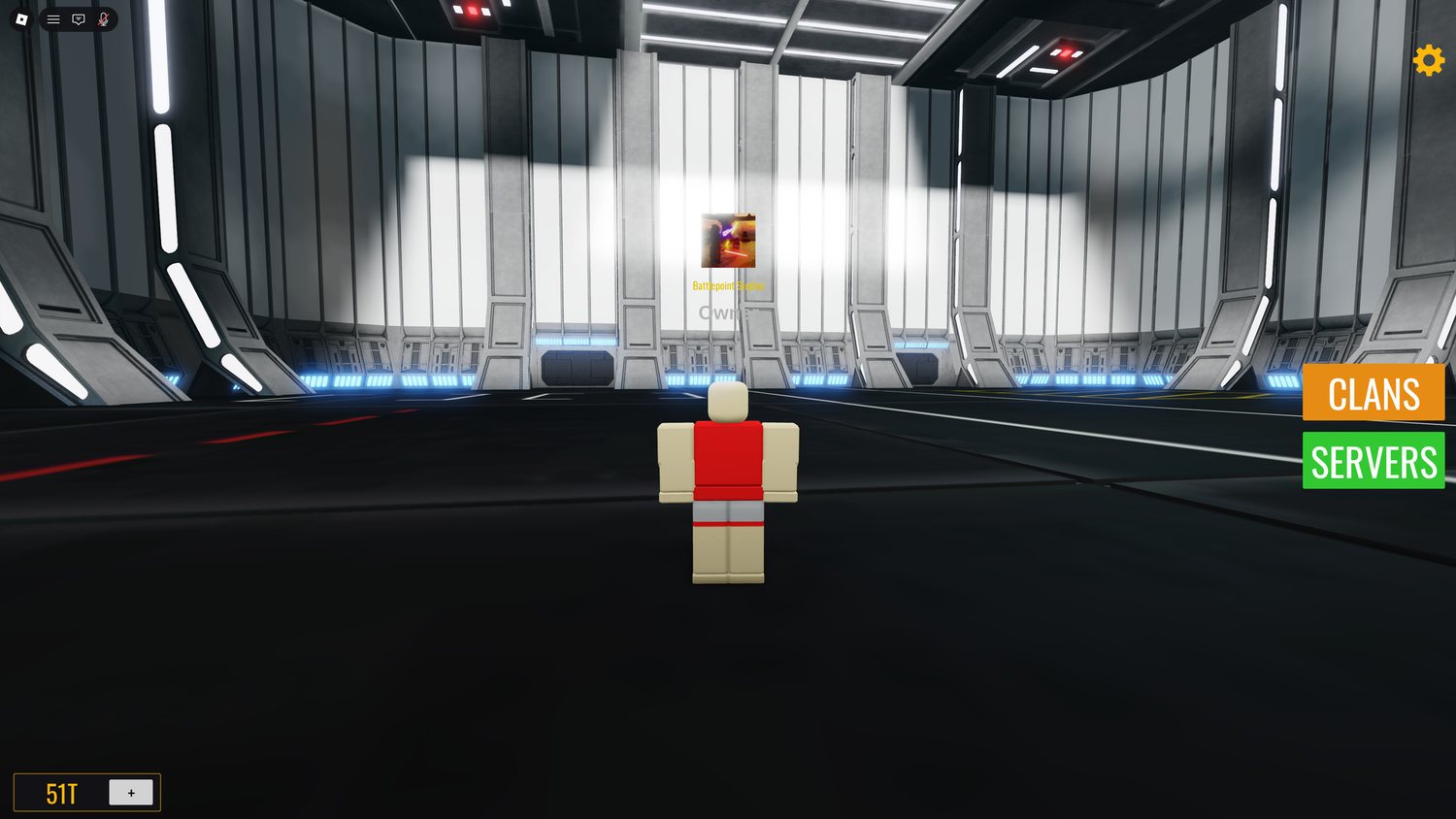
A clan is a Roblox group registered with the hub. Registering gives it a server of its own, a banner every member wears, and a place on the clan list.
Your clans
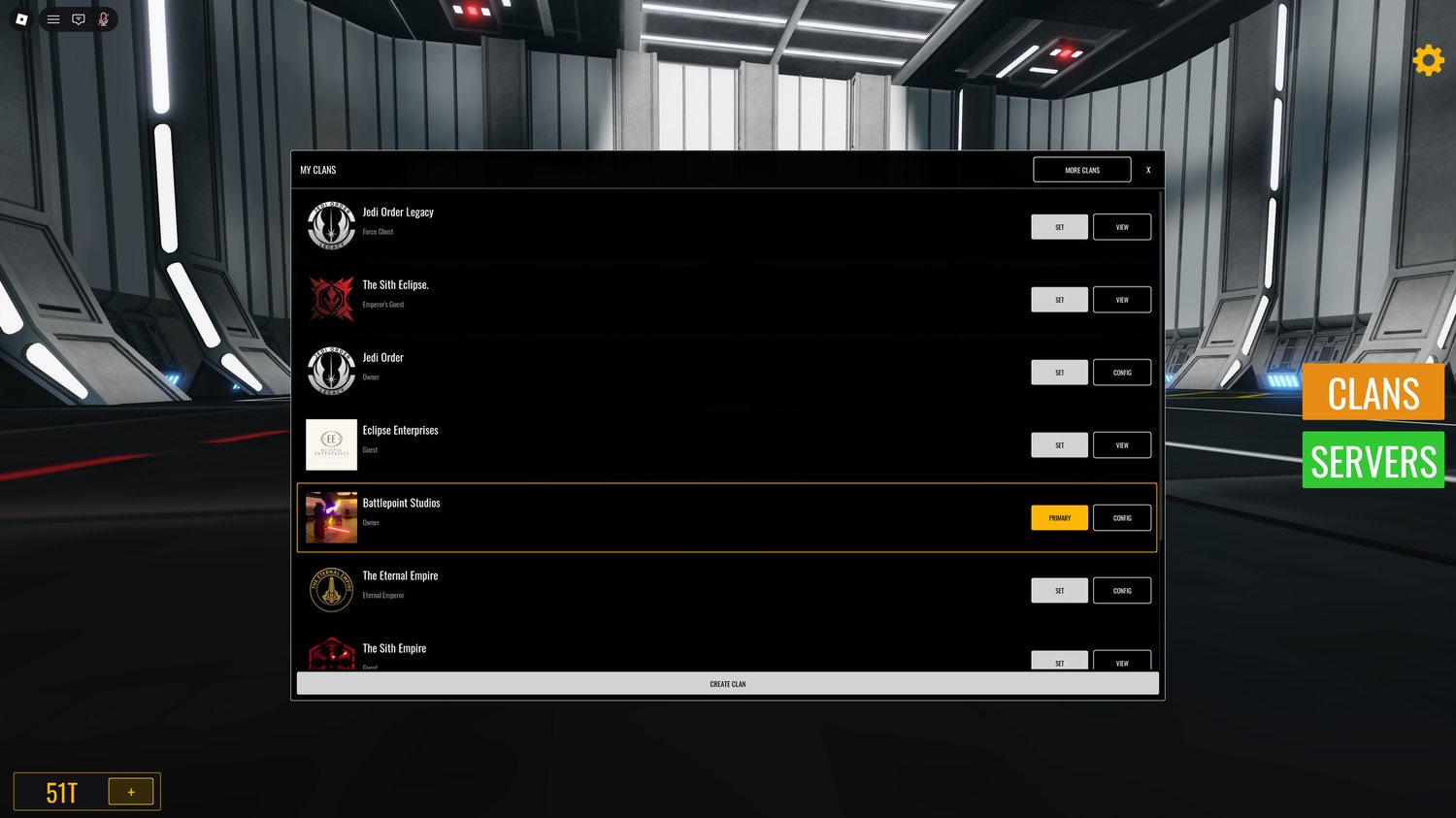
Every clan you belong to, with your rank in each. One is your primary — that is the banner you wear and the one everyone sees. Set makes a clan primary. Config appears on clans you can administer; everywhere else it is View.
Information
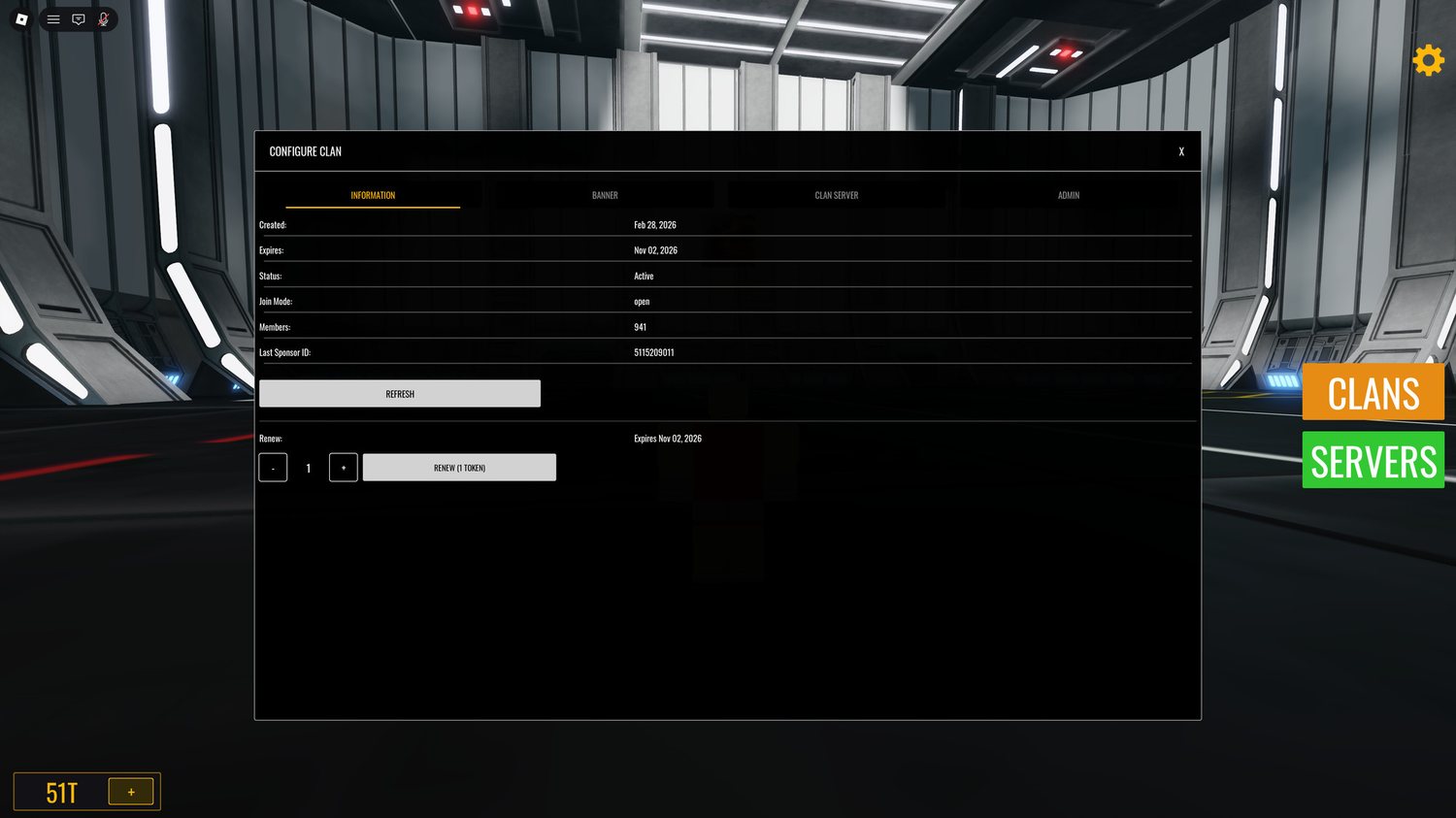
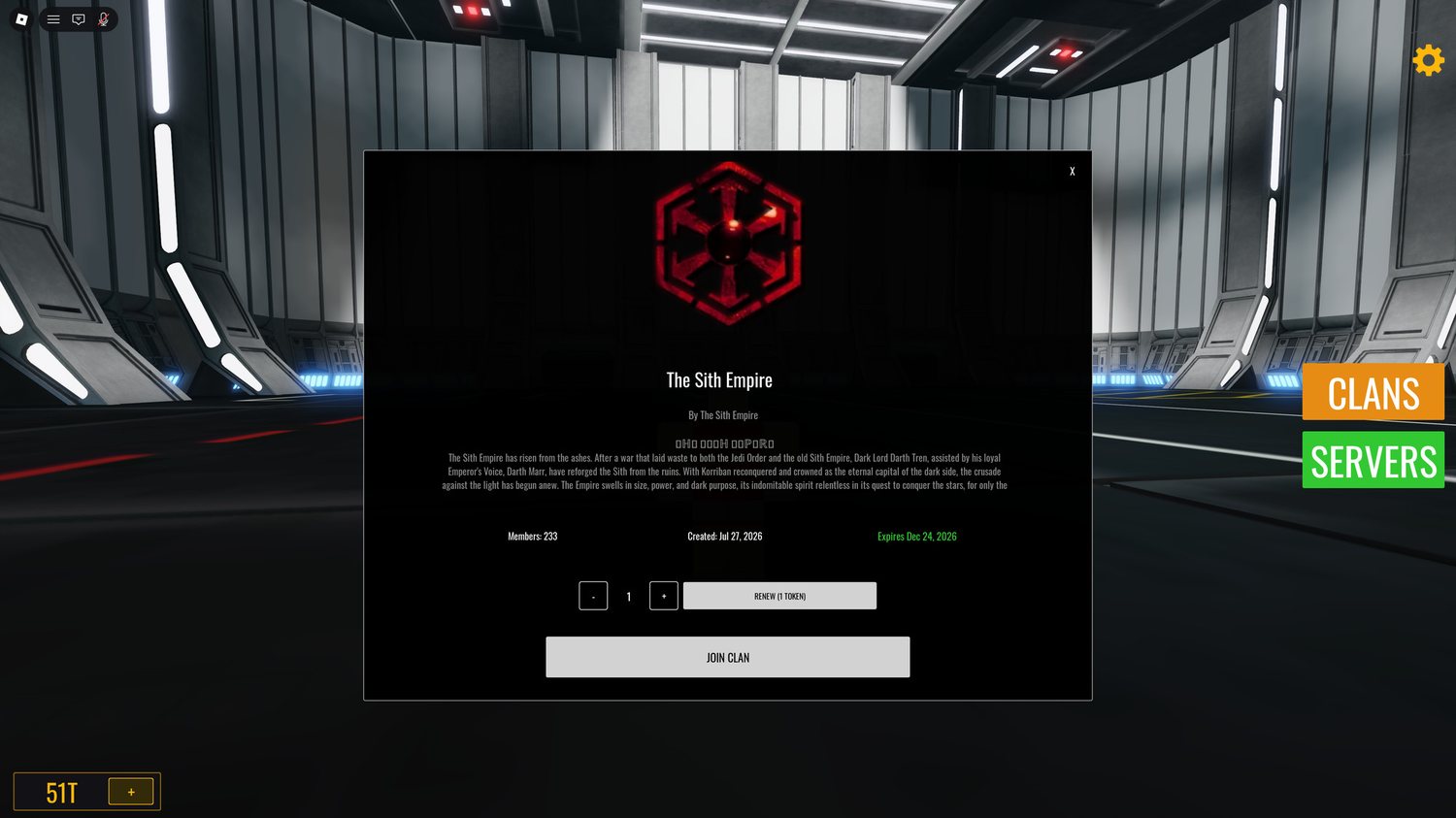
Renewal is one token per month, up to twelve at a time. Time is added to what is left, so renewing early never costs you days. Anyone can renew any clan. The owner does not have to be the one who pays, and whoever pays is recorded.
Banner
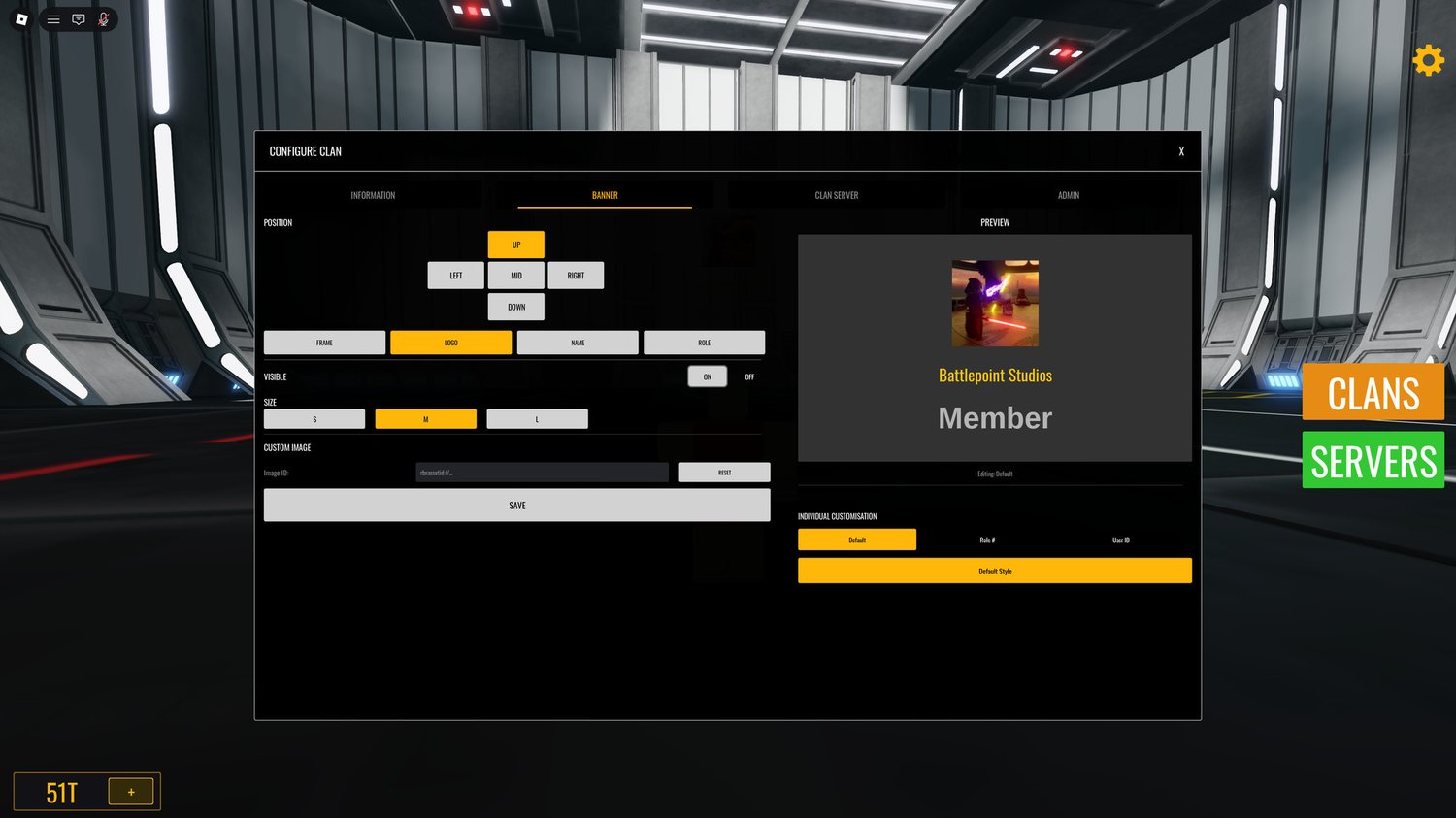
Position it up, down, left, mid or right, and toggle each part separately: frame, logo, name and role. Three sizes, a live preview, and a custom image by asset ID if you would rather not use the group logo.
Individual customisation is the useful part: style the banner per role number or per user ID, so officers can look different from members.
Clan server
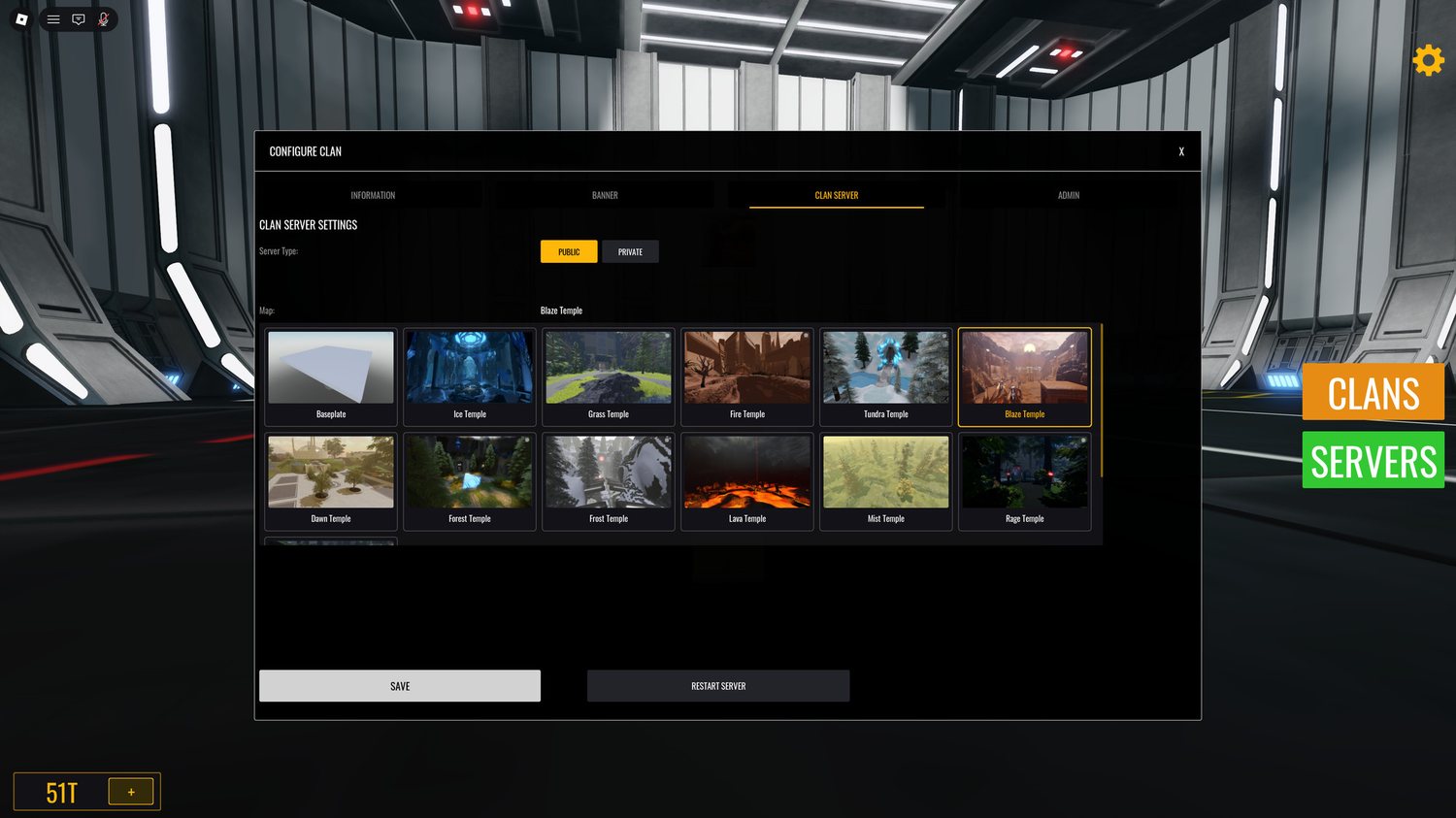
Public puts your server on the list for anyone to join. Private keeps it to members. Pick the map members spawn into, then save. Restart server applies a map change to the running server.
Admin
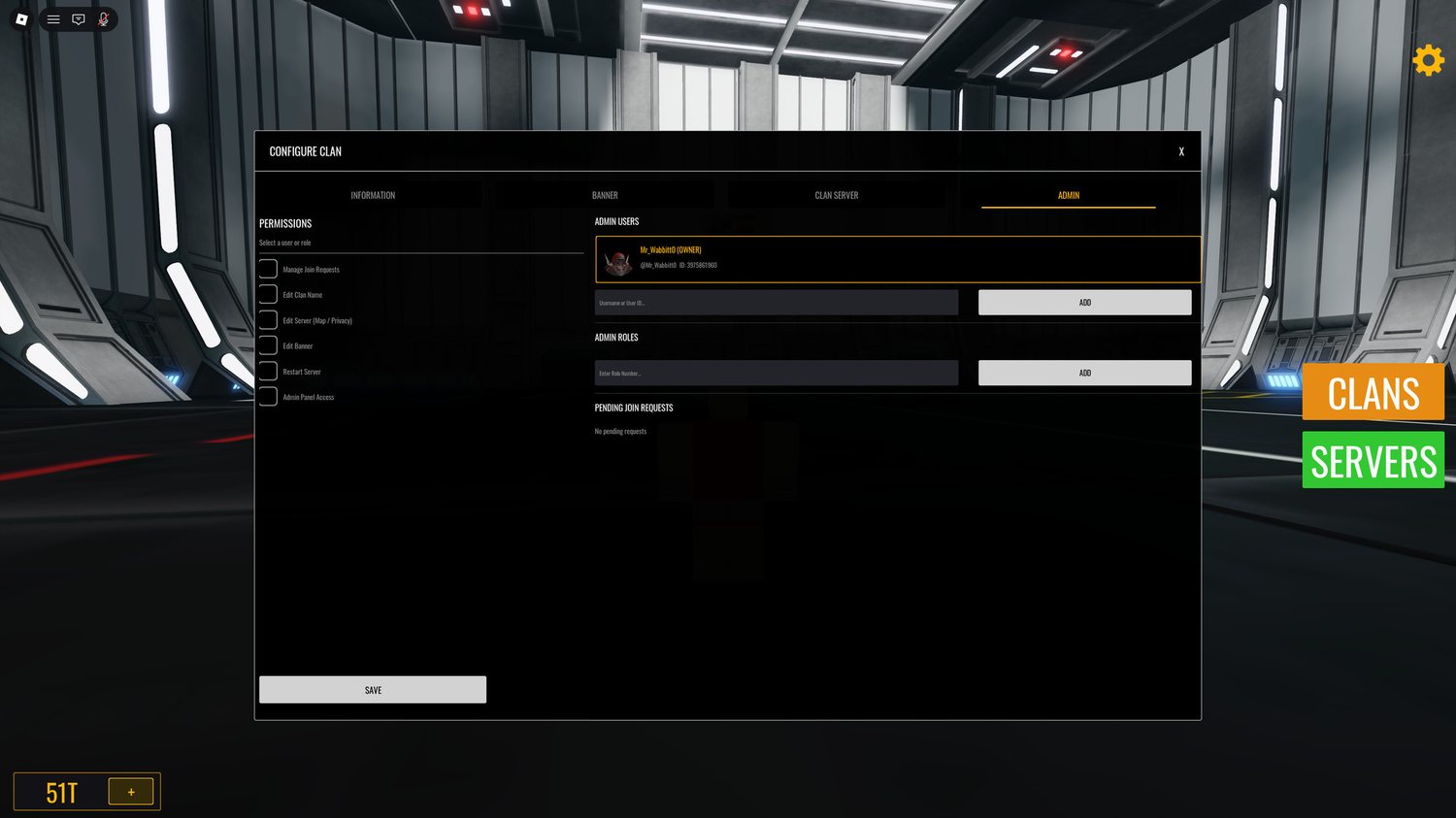
Add someone by username or user ID, or grant a whole group role number at once so every officer inherits the same permissions. Typing an ID resolves the account before you add it, so you can see who you are about to give access to.
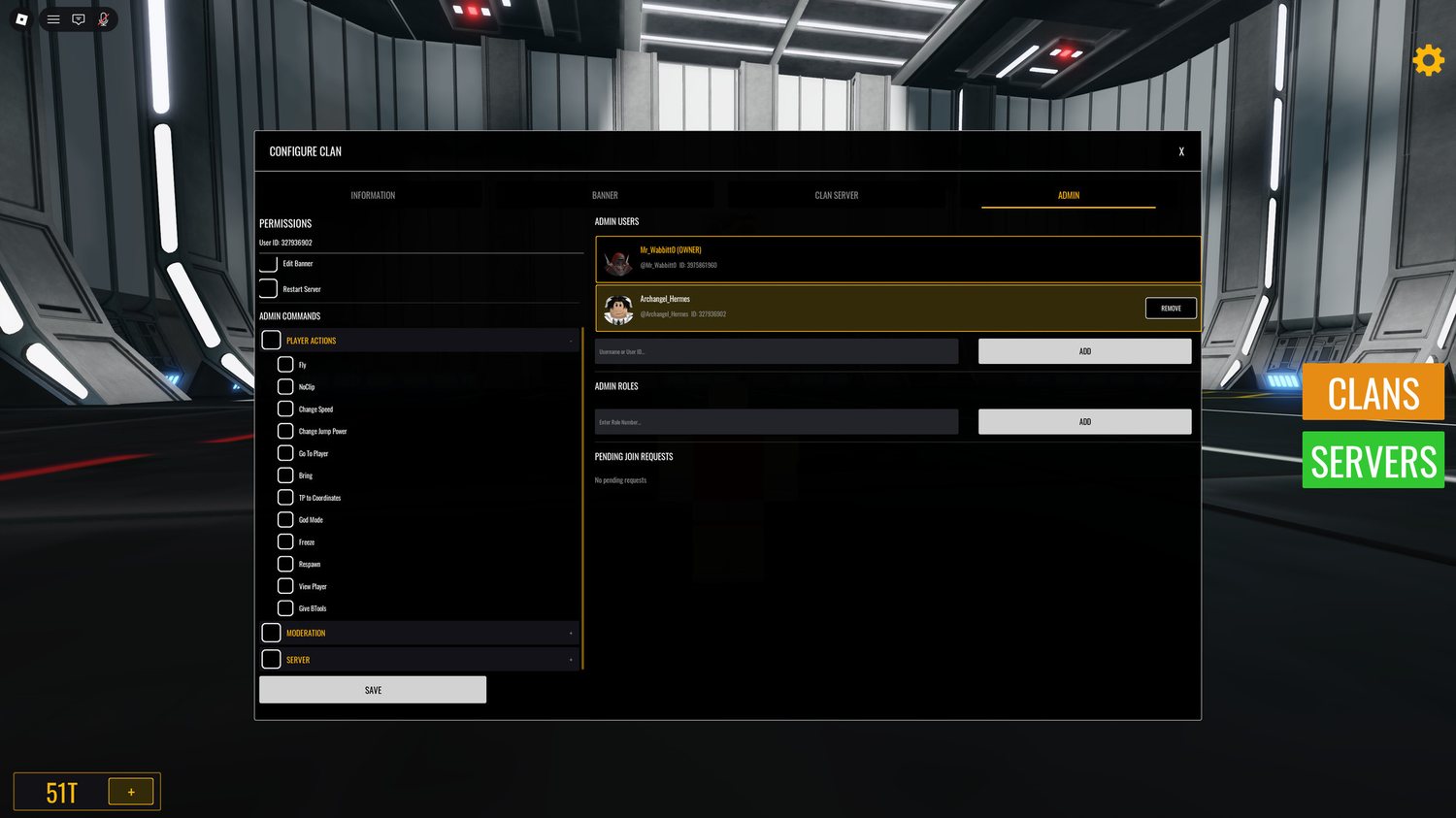
Permissions are set per person, so two admins can hold different ones. Admin panel access unlocks a second list: the in-game commands that account may run.
Each is ticked individually. The group owner holds every permission and cannot be removed.
Finding a clan
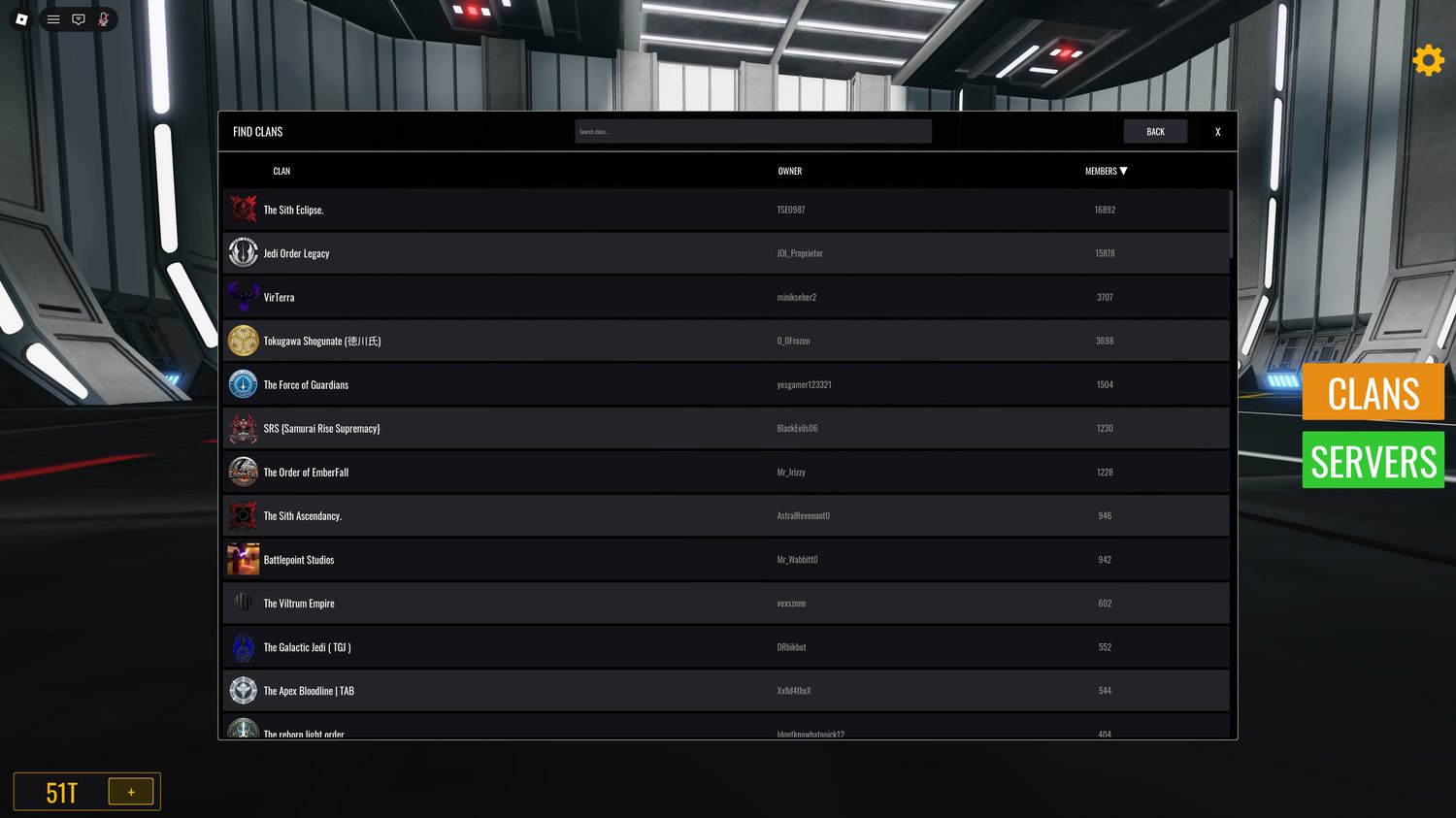
A clan you are not in shows Join clan. One you are already in shows Leave clan instead, and you can renew it from here whether you run it or not.
Clan servers
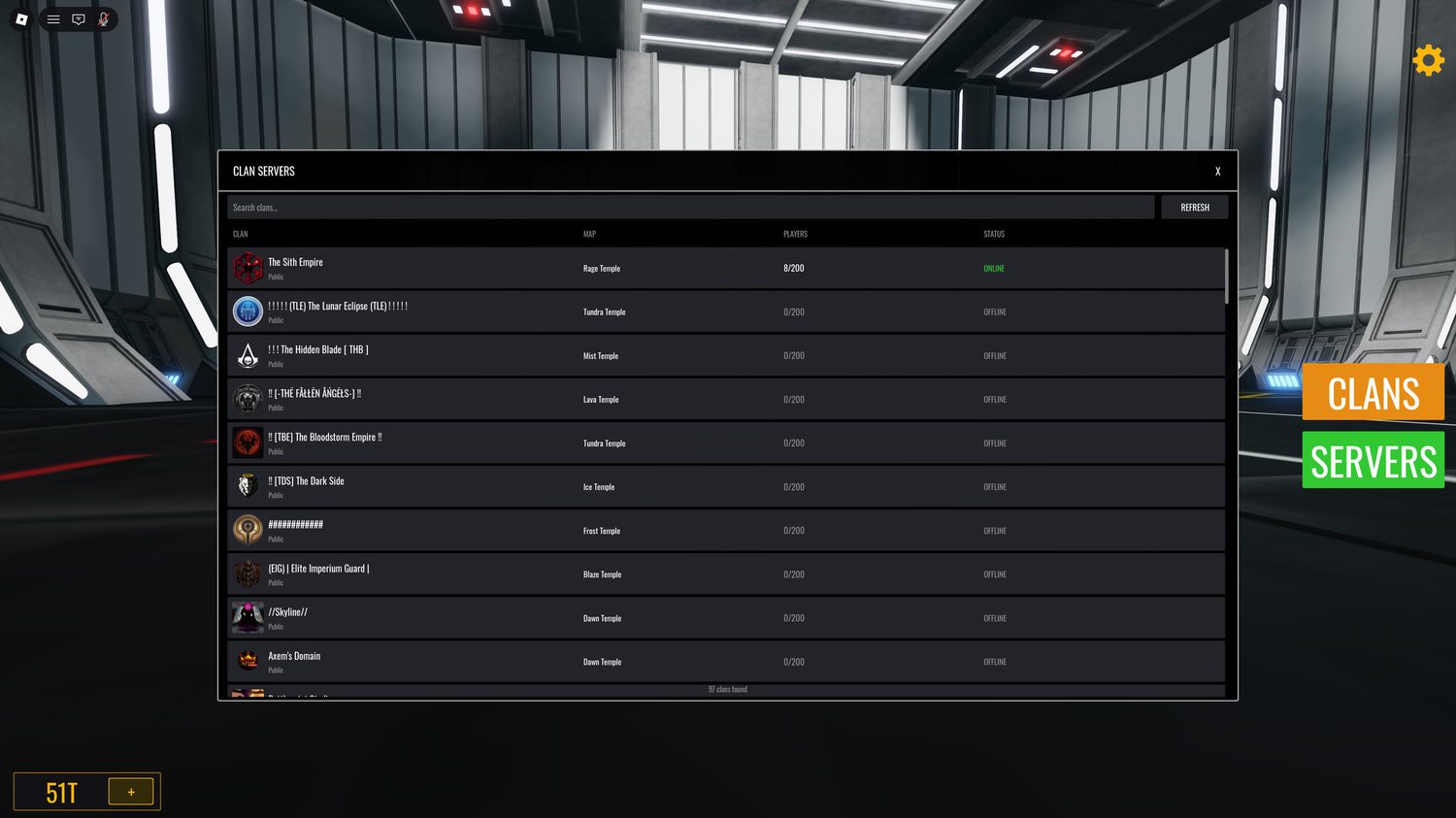
Online servers sort to the top; the rest sit idle until someone joins and starts them. Capacity is 200 per server.
Fighting on a clan server
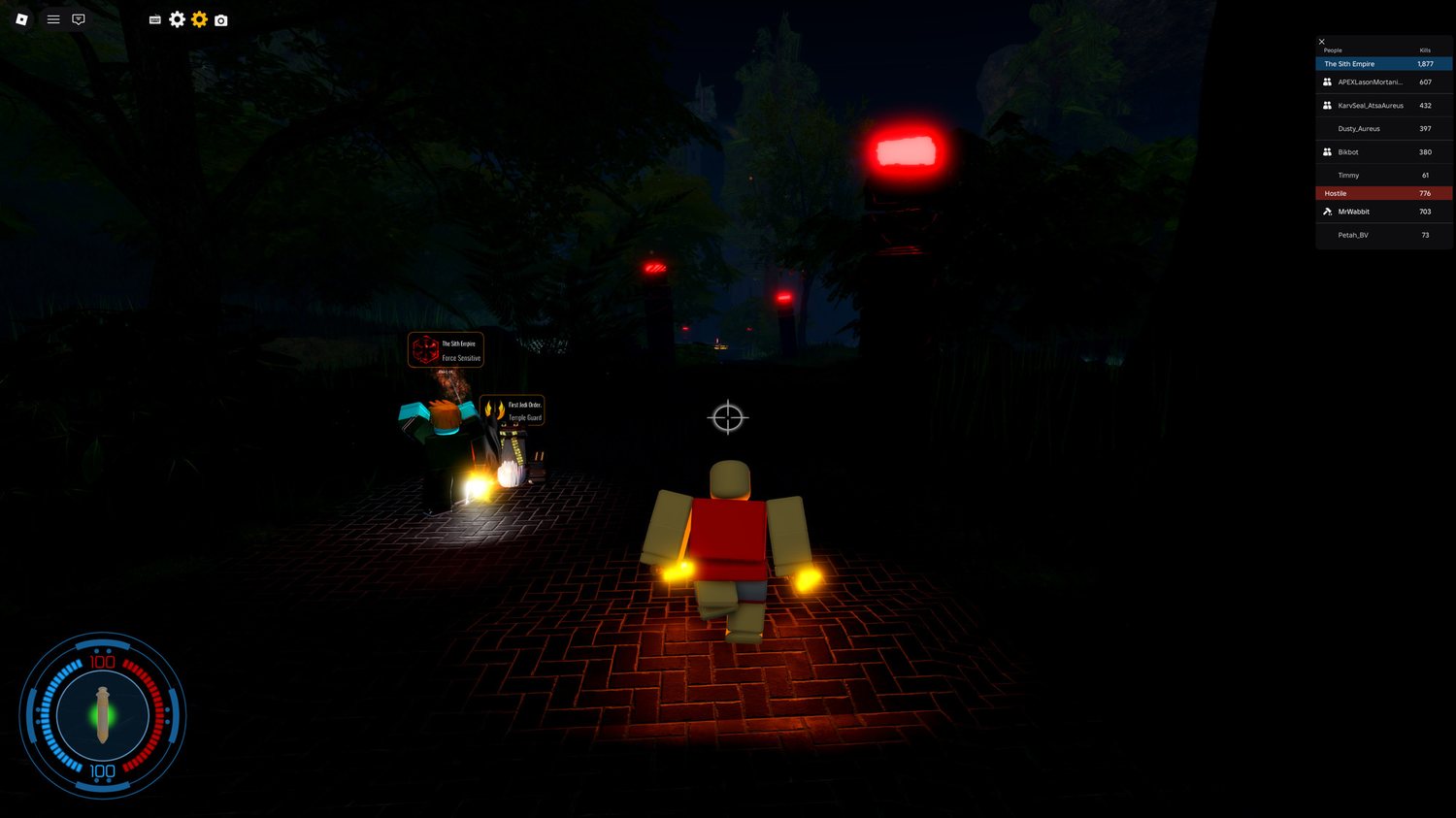
The clan holding the server is one team. Anyone who joins from outside it is Hostile. The scoreboard tracks both sides, and every nametag carries its wearer clan and role, so you can read the room before you swing.
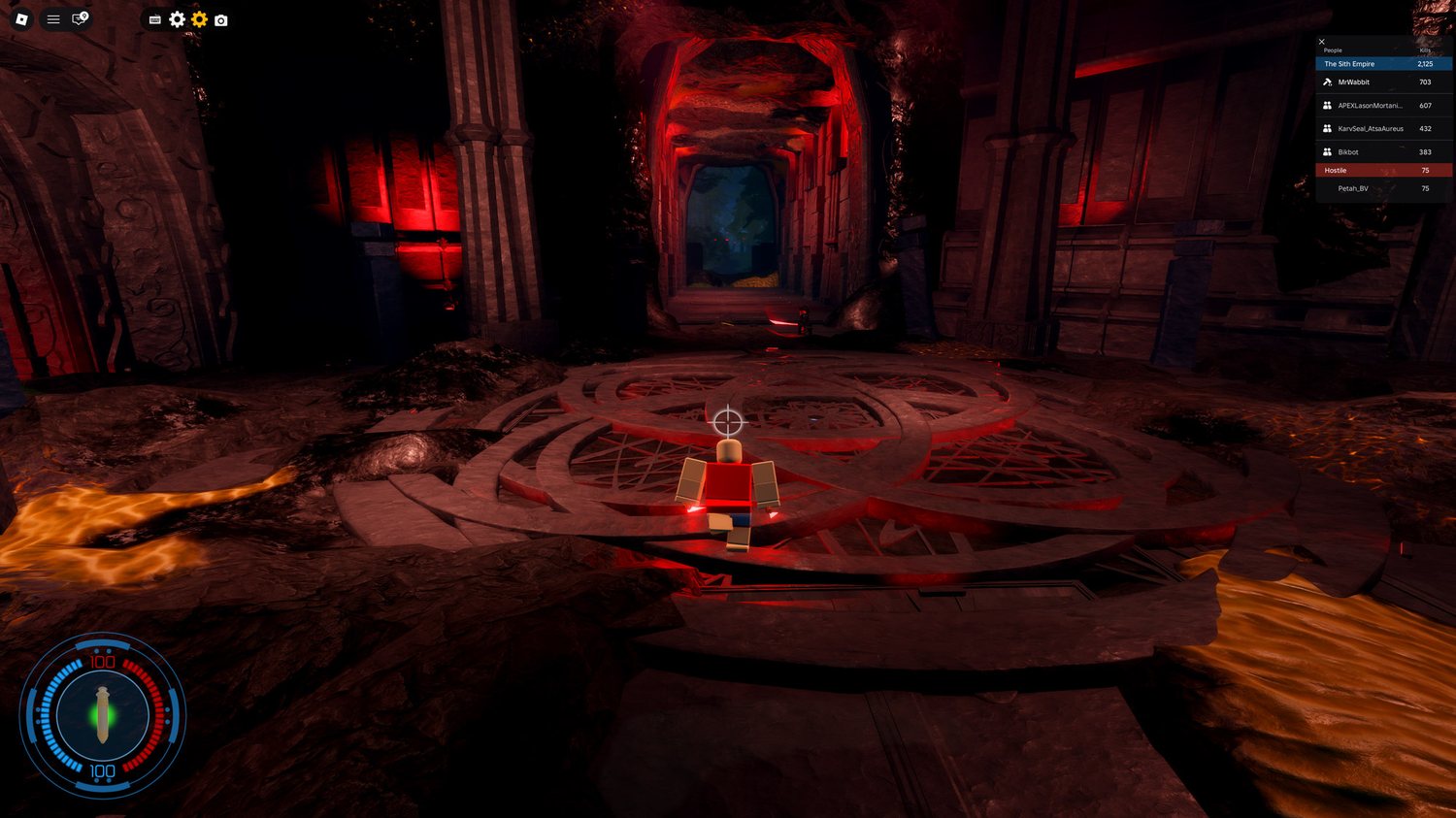
Clan maps
13 maps to pick from. The one you choose is what members spawn into.
Maps
25 maps are in rotation. These are the photos the server browser shows when you pick a server.